Series “NetSuite for distributors”, part 1
NetSuite has no point of sale for Mexico: what your options are
What you can do with NetSuite as is to sell at the counter and on the road in Mexico, when a separate checkout makes sense, what to check about CFDI, and how each sale looks in NetSuite.
Updated October 23, 2026
In this article
NetSuite handles the back office well: purchasing, receivables, inventory by location and accounting across subsidiaries. When the company also sells over a counter or from trucks, the question becomes what to ring sales up with. A NetSuite subscription doesn't come with a counter checkout ready for Mexico, and the right answer depends on how much you sell that way and how you invoice.
What NetSuite already has for selling
Every record a sale needs already exists in NetSuite. A cash sale is a cash sale. An order is a sales order, its delivery is an item fulfillment, the invoice is an invoice and the collection is a customer payment. With the Mexico localization and a PAC (an authorized e-invoicing provider), the account can stamp its invoices.
So the simplest option is to enter sales in NetSuite. Someone with a user serves the customer, records the sale and the payment, and everything lands where accounting looks for it. If you sell mostly on credit, by order, and the counter sees a few customers a day, this works and adds no new system.
You probably don't need a separate checkout if:
- Counter sales are few and are entered by someone who already has a NetSuite user.
- You don't handle cash by shift with a drawer count.
- Your reps don't sell or collect on the street.
If that's you, review forms and permissions in NetSuite before buying anything else.
Where it stops being enough
NetSuite runs in the browser, with forms designed for office work. At a counter with a line, the cashier needs to scan, take cash or card, give change and print a ticket in seconds. Doing that on a cash sale form is slow.
Licensing adds up too. Everyone who enters sales in NetSuite takes a NetSuite user. With several cashiers per shift plus route reps, the subscription grows for people who only take payments.
On the road the problem is different: there isn't always a signal. A rep who walks into a store with no coverage can't wait for a web form to load. They need an app that saves the sale on the phone and sends it when the connection comes back.
Then there's CFDI. If the NetSuite account stamps and the checkout stamps too, somebody will stamp the same sale twice. If nobody is sure who does it, a customer ends up without an invoice.
The options
| Enter sales in NetSuite | Separately licensed POS | Checkout and app connected through Nori | |
|---|---|---|---|
| Who uses NetSuite | Everyone who sells | Depends on the product | Only the integration role |
| Selling with no signal on routes | No | Depends on the product | Yes, in the mobile app |
| Who stamps the CFDI | The NetSuite account | Needs confirming | Nori, and it sends the UUID to NetSuite |
| Integration status | Native | Depends on the product | Connector in testing |
| Good fit for | Few sales, mostly on credit | If it covers CFDI and the way you sell | Busy counter, routes or both |
Oracle offers a point of sale for NetSuite, sold separately, and there are third-party products too. We won't rate them here. If you evaluate them, ask the same questions you'd ask us.
What to check in any checkout connected to NetSuite
How it authenticates
NetSuite supports machine-to-machine OAuth 2.0 with a certificate, and token-based authentication. Ask which one the product uses, which role it needs and what permissions you'll grant.
How each sale is recorded
A counter ticket should be a cash sale. A sale by order should keep the link between the sales order, its item fulfillment and its invoice, so NetSuite knows what is still pending delivery or payment.
What happens with subsidiaries
If your account has several, every record needs the right subsidiary, plus the department and class if you use them.
How it avoids duplicates
NetSuite won't accept two records with the same external ID. If the checkout sets its own on every record and looks it up before retrying, a sale whose response got lost is never created twice.
What it does when NetSuite says wait
NetSuite limits how many calls an account runs at the same time. A checkout that sends everything at once will start getting rejected. It should wait a few seconds, retry and leave room in your account, which your other systems use too.
Who stamps, and where the UUID goes
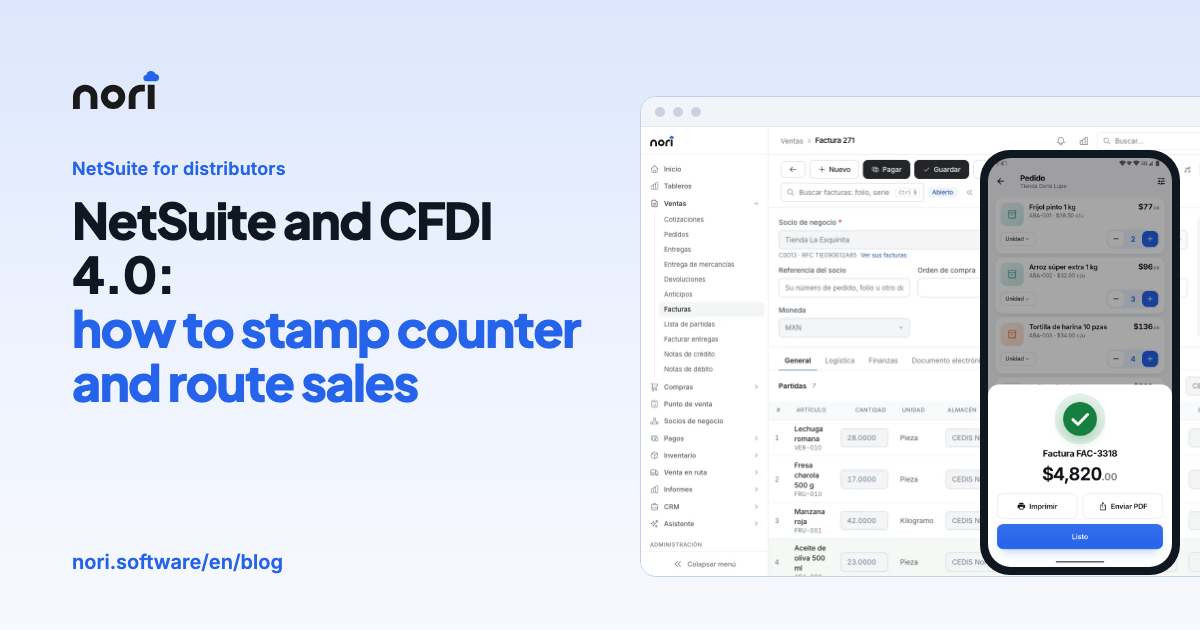
This is where most problems show up in Mexico. Decide whether the checkout or NetSuite stamps, and which NetSuite field holds the UUID, the CFDI use, the payment method and form, and the customer's RFC.
How Nori works with NetSuite
Nori's NetSuite connector is in testing with live accounts. If you're interested, we'll review it with your account in a demo before you commit to anything, and you can try it in your sandbox first.
Nori connects through NetSuite's REST services: the REST Record API to create records and SuiteQL to read catalogs. The preferred authentication is machine-to-machine OAuth 2.0 with a certificate you upload in NetSuite. You keep the private key and enter it in Nori. If you already use token-based authentication, that works too.
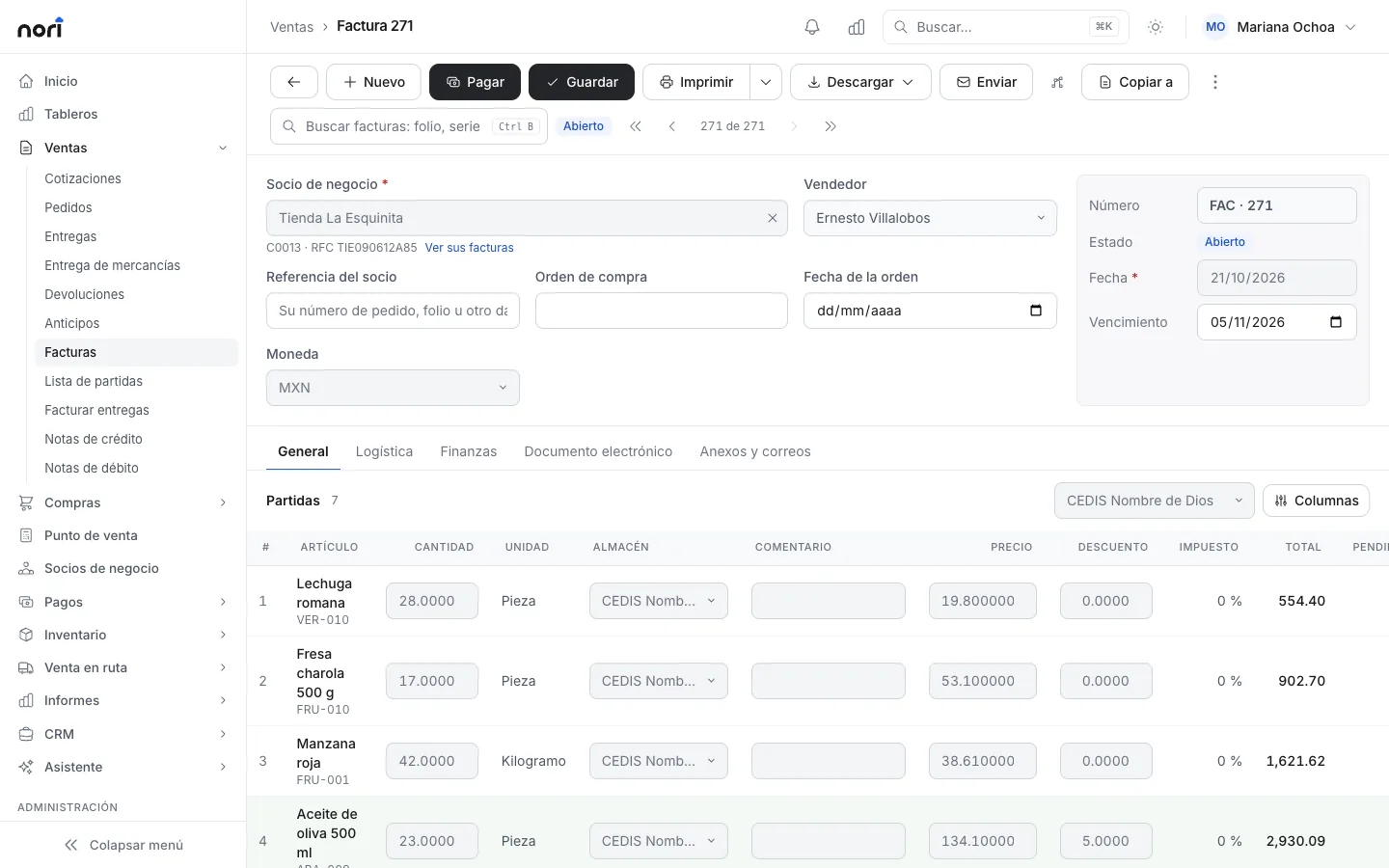
Here is how each Nori document lands in NetSuite:
| In Nori | In NetSuite |
|---|---|
| Quote | estimate |
| Sales order | sales order |
| Delivery of an order | item fulfillment of that order |
| Ticket with no order | cash sale |
| Invoice | invoice, created from its order when there is one |
| Credit memo | credit memo |
| Down payment | customer deposit |
| Customer or vendor payment | customer payment or vendor payment |
| Transfer, receipt or issue | inventory transfer or inventory adjustment |
Canceling in Nori deletes the record in NetSuite. If it never arrived, nothing is sent.
On the Mappings screen you set which form each record type uses, which custom fields hold the UUID, the CFDI use, the payment method and form and the RFC, and which NetSuite tax code matches each Nori tax. If your account has subsidiaries, you pick the subsidiary, plus the department and class if you use them. Nori warehouses are linked to NetSuite locations.
A route order, from the street to NetSuite
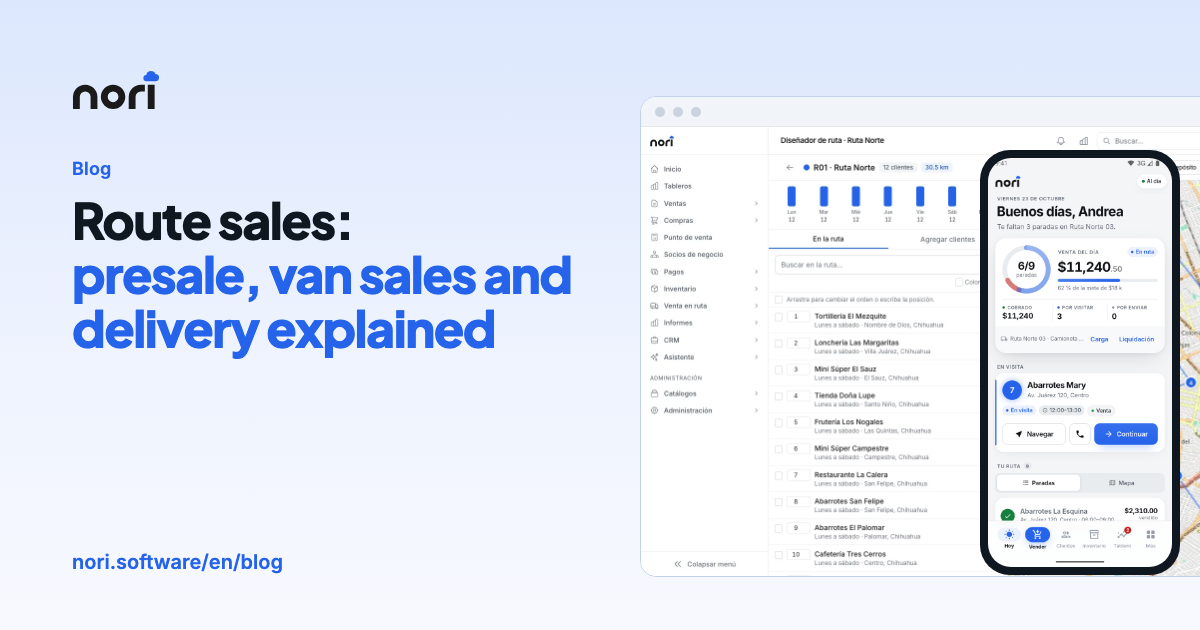
The rep takes the order in the app with the prices and credit limit that came down from NetSuite, even with no signal. Once posted, it goes up as a sales order. The next day the driver delivers all or part of it, and the delivery goes up as an item fulfillment of that order.
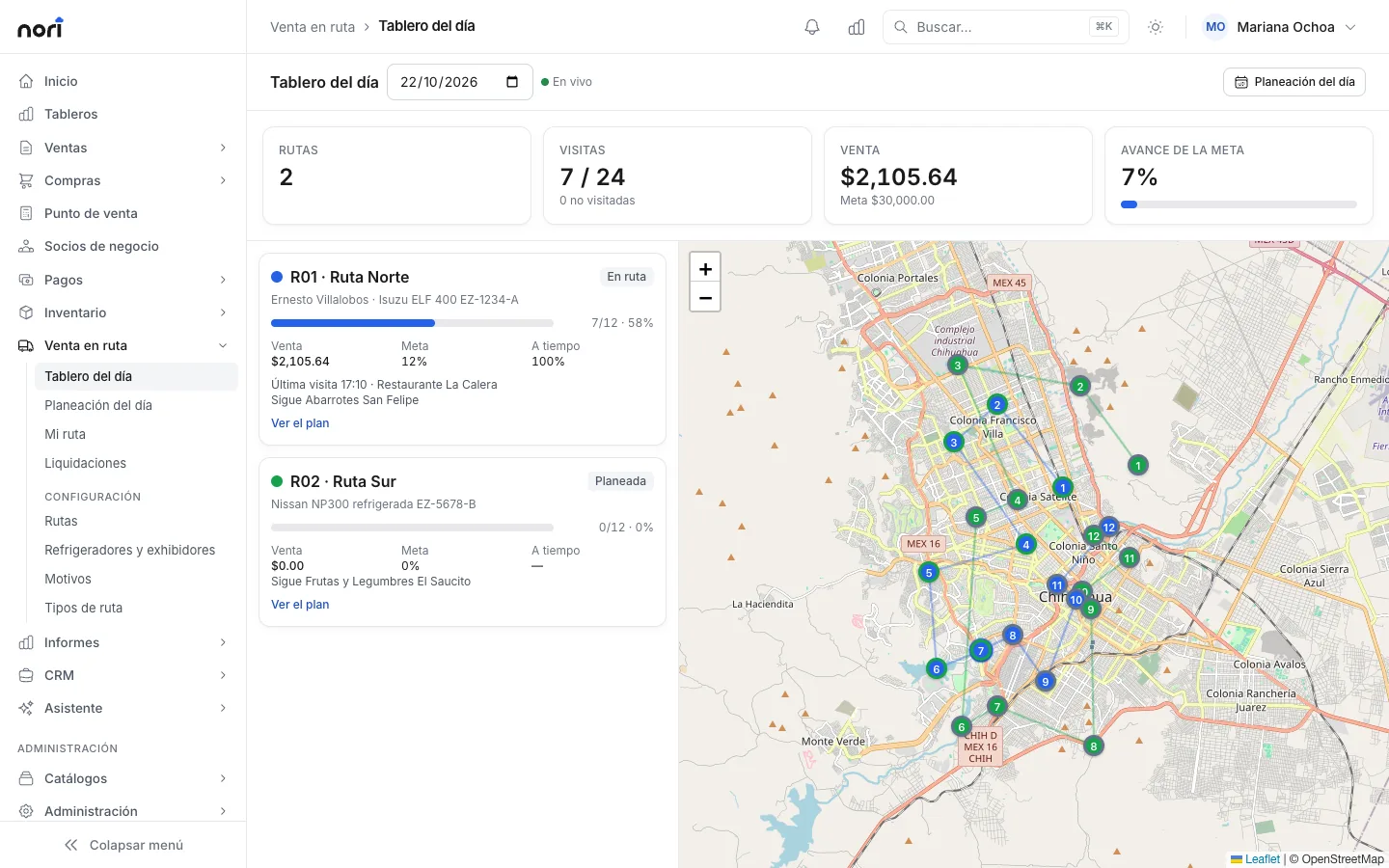
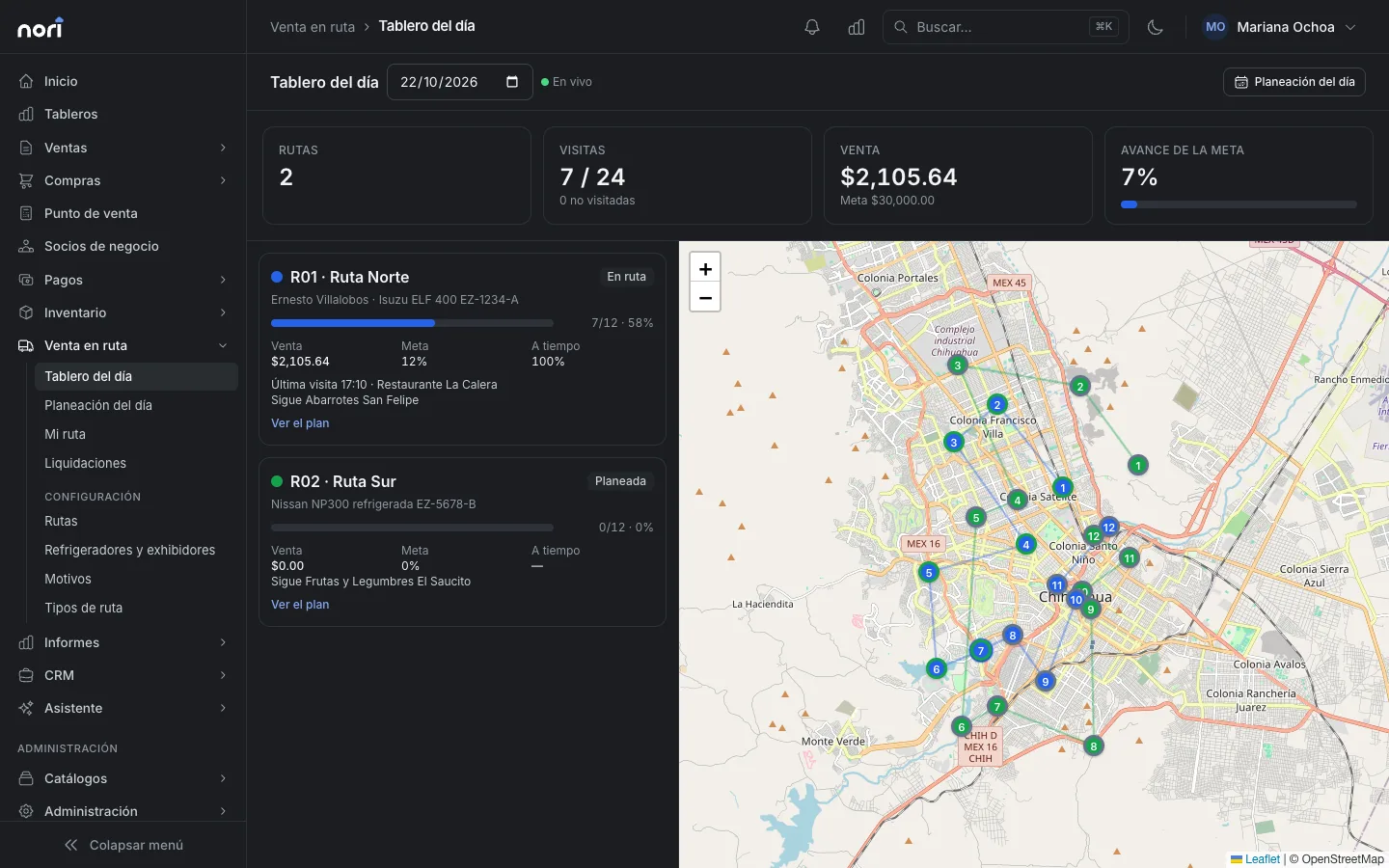
The invoice is stamped in Nori and goes up as an invoice created from its order, with the UUID already in the field you chose. The collection goes up as a customer payment applied to that invoice, and only after the invoice is in NetSuite. When Nori stamps, nothing that carries a CFDI goes up before it has one, so your NetSuite account doesn't stamp it a second time. When the truck comes back, shortages and overages from the settlement go up as inventory adjustments.
When NetSuite is slow or rejects calls
Every record Nori creates carries its own external ID. If NetSuite received the record but the response got lost, on the next attempt Nori looks up that external ID, finds the record and links it.
To stay under the concurrency limit, Nori uses at most four simultaneous calls per company, below the five a basic account allows. If NetSuite says there are too many, Nori waits 1, 2, 4 and 8 seconds before retrying. If it doesn't respond at all or denies access, Nori stops calling for a few minutes and tries again, while the checkout and the app keep working. Failed sends retry on their own, in order: a payment waits for its invoice and a delivery waits for its order.
Catalogs come down from NetSuite and are read-only in Nori. A reconciliation runs every night and fixes differences. The stock the cashier sees is NetSuite's stock minus what Nori sold and hasn't uploaded yet, so the same unit is never sold twice.
Licensing
In Nori each person uses a license you pay for once and own, and each year you pay maintenance of 18% of your active licenses. The NetSuite connector is included. Your cashiers and reps don't need NetSuite users: they sign in with their Nori user and records are created with the integration role.
Where to start
Before talking to any vendor, gather a few facts about your account: whether REST Web Services and SuiteQL are enabled, which fields hold the UUID and RFC today, and who stamps your invoices. With that in hand, you can ask any demo, ours included, to show your case instead of a generic one.
Frequently asked questions
Does NetSuite have a point of sale?
The base subscription doesn't include a counter checkout for Mexico. Oracle and other vendors offer point-of-sale products for NetSuite, sold separately. Before choosing one, ask whether it stamps CFDI 4.0 or how it works with the stamping your account already does.
Do my cashiers need NetSuite users?
If they enter sales directly in NetSuite, yes. With Nori they sign in with their Nori user and Nori creates their records in NetSuite with the integration role.
How does Nori authenticate with NetSuite?
With machine-to-machine OAuth 2.0 and a certificate you upload in NetSuite; you keep the private key and enter it in Nori. Token-based authentication also works.
Where does the CFDI UUID go in NetSuite?
In the custom field you choose. On Nori's Mappings screen you set which field holds the UUID, the CFDI use, the payment method and form, and the customer's RFC, and which tax code matches each Nori tax.
Is the NetSuite connector available?
It is in testing with live accounts. In the demo we review your account, forms and custom fields before connecting anything, and you can try it in your sandbox first.