Stationery stores
Point of sale for stationery stores
Lots of small items, back-to-school season and customers who ask for an invoice.
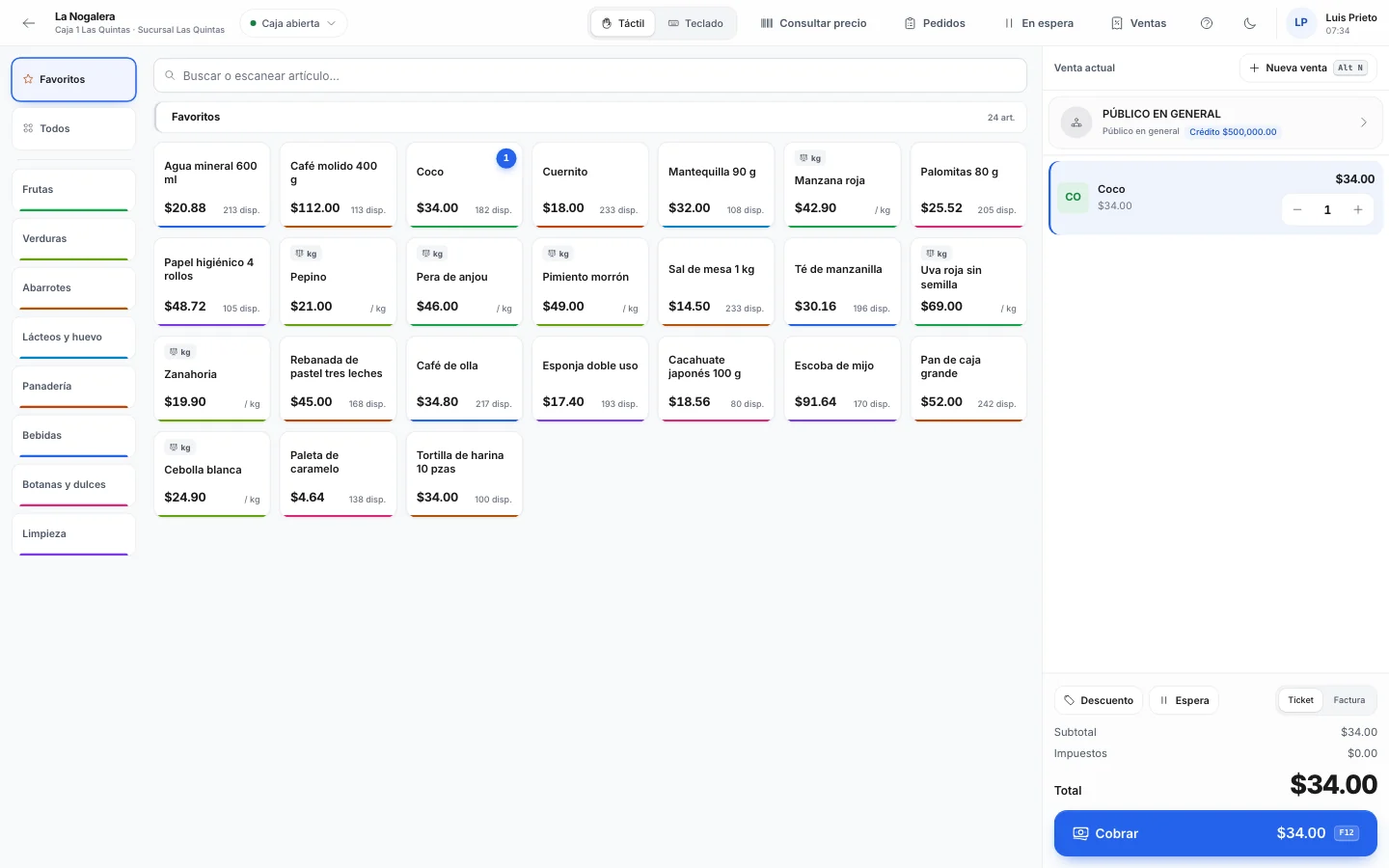
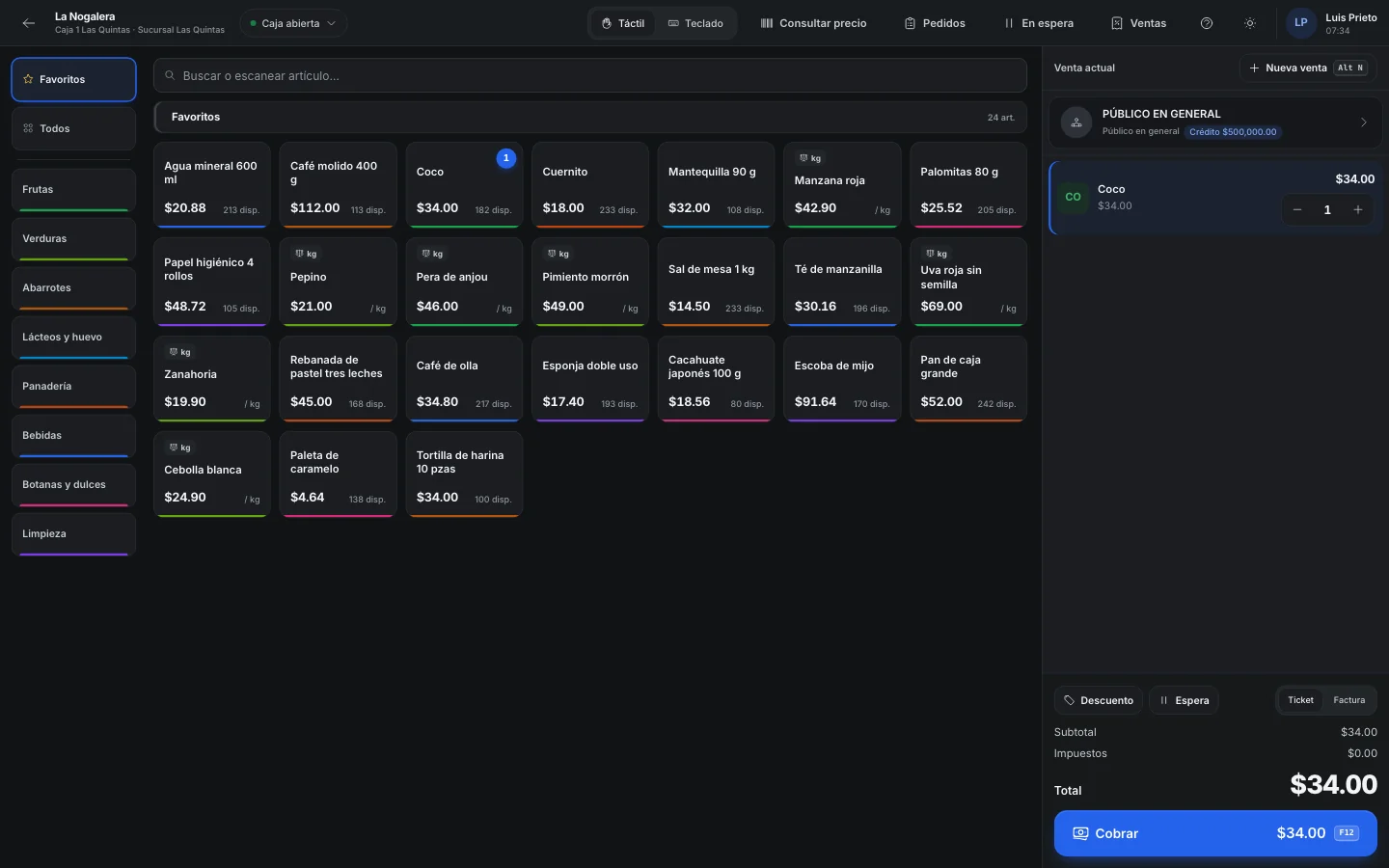
A day in August, in the middle of the season
-
8:30
Two registers open
During the season you open a second terminal. Each cashier opens their shift with their float, and the line starts before the shutter is all the way up.
-
9:15
The school supply list
A parent brings the second grade list. You scan the Grade 2 Pack and everything the school asks for goes in one line. If they also want a cover in another color, you scan it separately.
-
10:00
Sales rep and register
When the line is long, a sales rep builds the loose lists in Sales › Sales orders and presses Send to the cash desk. The cashier opens them with Ctrl+T and takes payment.
-
11:30
The customer who forgot something
A customer remembers she still needs colored pencils. F8 puts her sale on hold under her name, you serve the next person and bring it back with F9.
-
13:00
Copies and printing
They're set up as items that don't track inventory, with their own button in touch mode. They ring up with everything else.
-
16:00
The school's order
A delivery of supplies goes out to the local school, on credit. It's invoiced at the end of the month along with the other deliveries.
-
19:30
What to order tomorrow
Purchase suggestions shows the items that reached their reorder point, with the quantity to get back to the maximum. You create the supplier orders from there.
What saves you time at the counter
-
Packs by grade
You build a kit with the items on each school supply list. It sells at its own price and the items in it come off stock.
-
Several pieces at once
With 12*code you add twelve identical pencils. If you scan the box barcode, Nori counts the pieces inside.
-
Labels for items without a barcode
You give the item a barcode and print its labels on a 50 × 25 mm roll.
-
Promotions with dates
The back-to-school discount is set up with a start and end date. The day it ends, the register stops applying it.
-
Schools and offices
Each one has its own credit limit and payment terms. You deliver with a delivery note and invoice when it suits you.
A thousand cheap little things
A stationery store sells thousands of small items. Erasers, sharpeners, colored paper, poster board, loose pens. Many don't have a barcode, or they have one on the box of twelve but not on the piece. If the cashier has to look up each thing by name, the line doesn't move.
Almost all of the year's sales come in a few weeks. In July and August the school supply lists arrive, and if the lined notebooks run out on August 20 nobody can restock you in time. Buying too much doesn't work either, because in September that stock sits in the back room.
The rest of the year you have a different kind of customer: the school that orders supplies every month and the office that wants one invoice with the whole month on it. You give them credit and have to keep track of every delivery.
Example
The season at El Lápiz Amarillo
El Lápiz Amarillo is a made-up stationery store. For August it builds a pack for each grade at the elementary school across the street. The second grade pack has 18 items and costs $640.
During the month it sells 85 second grade packs. Each sale takes the 18 items off stock, so purchase suggestions knows the notebooks are running low even though nobody scanned them one by one.
It also supplies a private school six times in the month, always with a delivery note. On the last day of the month, in Sales › Invoice deliveries, it combines the six deliveries into a single invoice on credit.
- second grade packs sold in August
- 85
- second grade packs sold in August
- items taken off stock per pack
- 18
- items taken off stock per pack
- deliveries to the school in the month
- 6
- deliveries to the school in the month
- on a single invoice at the end of the month
- $9,430
- on a single invoice at the end of the month
Before the season starts
- Build the school supply packs for nearby schools, one per grade.
- Set up the back-to-school promotions with their start and end dates, and test them in the simulator.
- Check minimum, reorder point and maximum for notebooks, colored pencils and covers.
- Enter each supplier's minimum order so purchase suggestions respects it.
- Print labels for anything sold loose without a barcode.
- Have a second terminal ready for the busiest weeks.
Frequently asked questions
Can I buy by the box and sell by the piece?
Yes. In the item's unit group you say how many pieces the box has. You buy in boxes, sell in pieces, and the box barcode counts its units.
How do I build a school supply pack?
You create an item and add its components with their quantities. If the pack doesn't keep its own stock, selling it takes its components off stock.
Can I give credit to a school?
Yes. Each customer has their own credit limit and payment terms, and you record their payments. If they go over the limit, the sale can require approval.
How do I invoice an office for the whole month?
You deliver with delivery notes during the month and at the end, in Sales › Invoice deliveries, you choose Customers mode and create one invoice per customer with all their pending deliveries.
Do copies go on the same receipt?
Yes. You set them up as items that don't track inventory and they ring up with everything else.
Related guides
- Sell at the point of saleTouch and keyboard modes, categories, scanner and scale, split payments, and what happens when the internet goes down.
- Discounts and promotionsWhere each line's price comes from, how to create a promotion with a schedule and conditions, and how to test it before your cashiers use it.
- Global invoice to the general publicRoll up the day's tickets (or the week's, fortnight's or month's) into one global invoice, and invoice customer deliveries in bulk.
- Ring up sales rep orders at the registerThe sales rep builds the order on the floor and sends it to the register. The cashier loads it, takes payment for all or part of it, and invoices a ticket when the customer needs it.
Want to see it with your products?
We'll show you Nori with a catalog and routes like yours.