Point of sale and route sales for SAP Business One
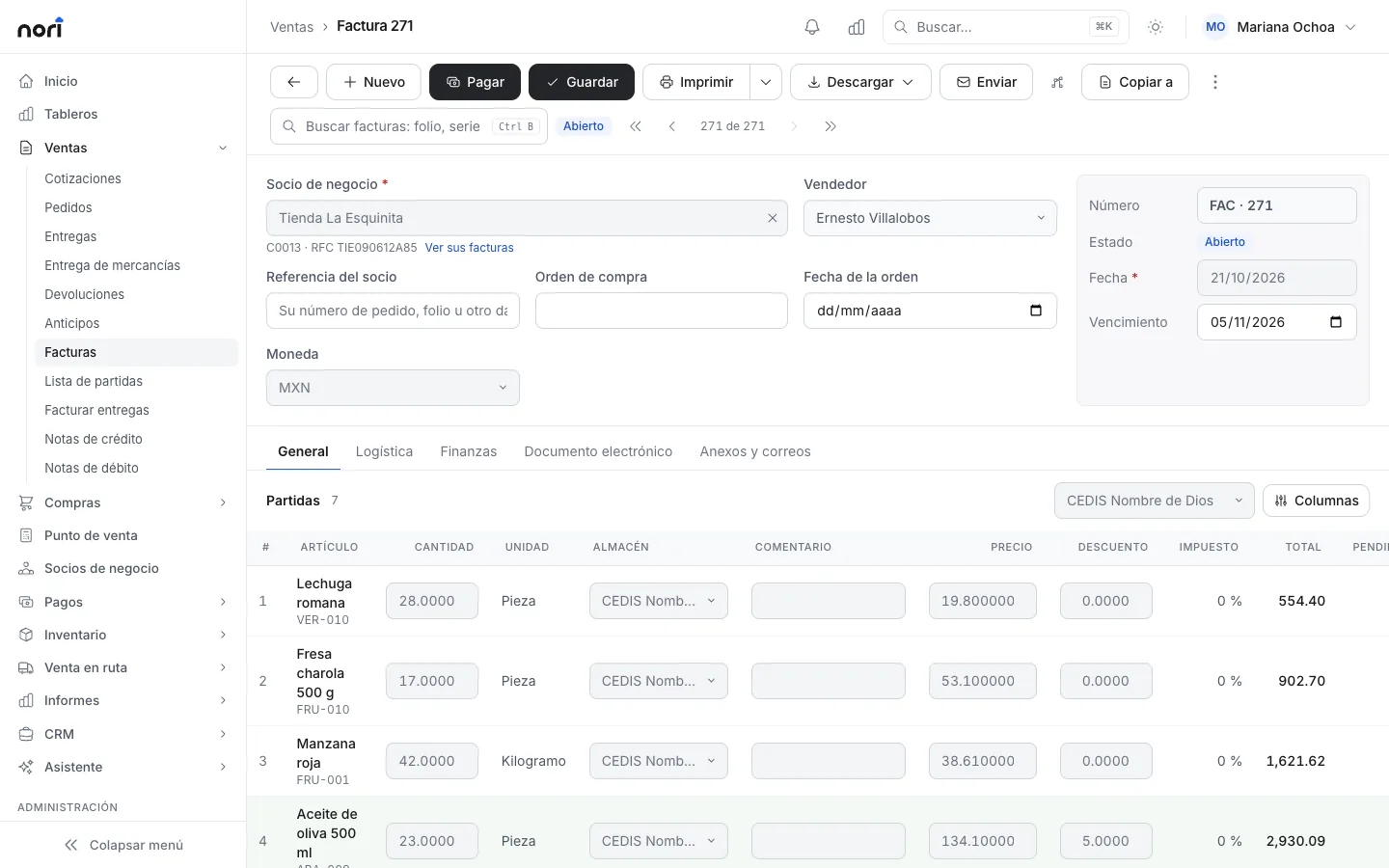
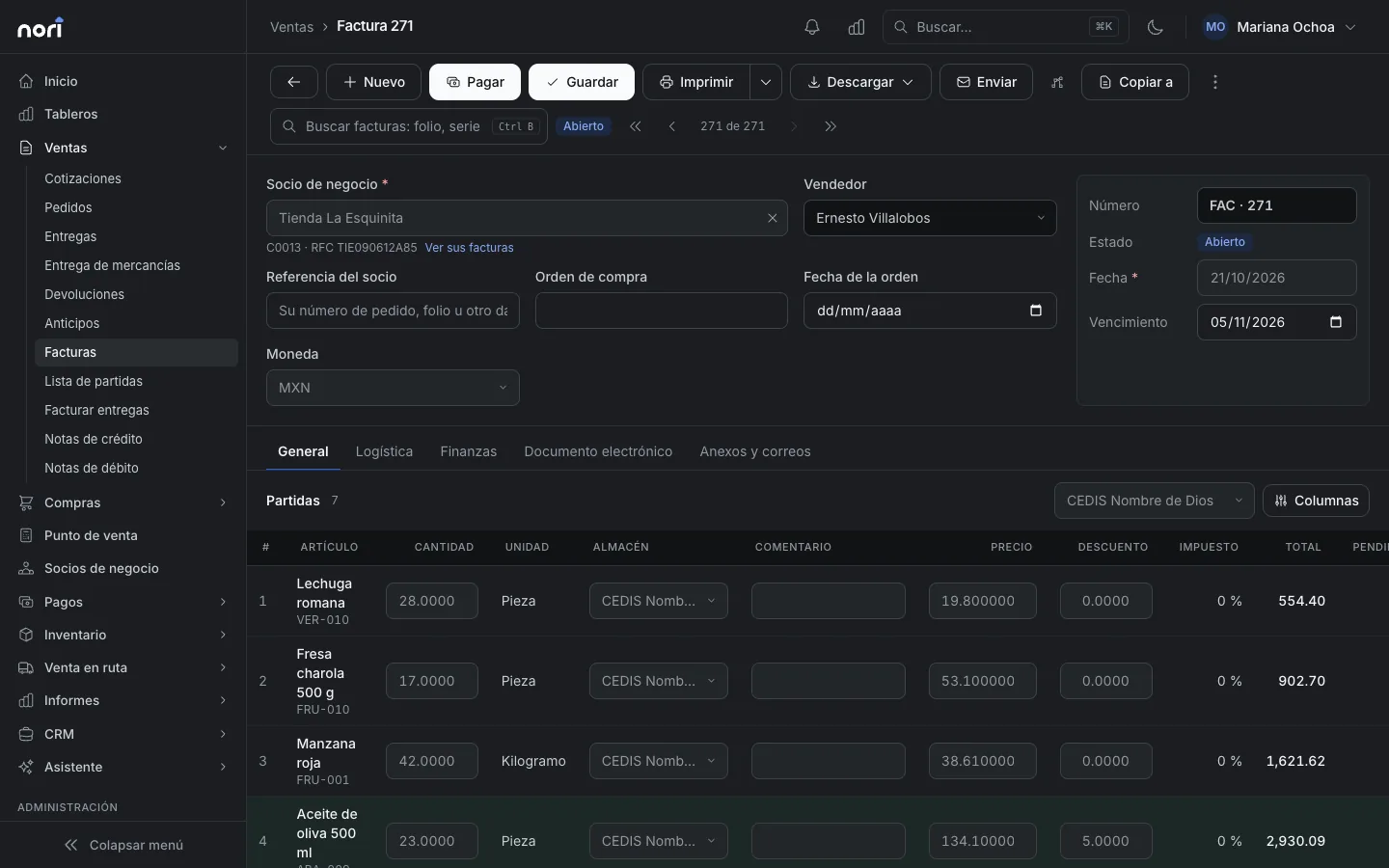
SAP Business One has no point of sale of its own. Nori adds the register, an app for your route sales reps and warehouse delivery, and sends each document to SAP through Service Layer.

Sent from Nori to your ERP
- Sales, purchases and inventory movements, with batches, serial numbers and bin locations
- Incoming and outgoing payments
- Customers created at the register or in the app, if you turn this on
Pulled from your ERP into Nori
- Items, price lists and special prices
- Business partners with their addresses, balances and credit limits
- Warehouses, sales employees, payment terms, batches and serial numbers
- Stock, as often as you choose (in minutes)
Fewer ERP licenses
Cashiers, route sales reps and warehouse staff work with their Nori user. You don't need an SAP license for everyone who only sells, collects payments, delivers or counts inventory.
How it connects
Nori connects through Service Layer: you enter the URL, the company database, a user and a password. Nothing gets installed on a Windows server, and nothing touches the database directly. Each Nori series is linked to an SAP series.
Step-by-step connection guideWho it's for
Companies that already run accounting, purchasing and inventory in SAP Business One and also sell directly to customers: at a counter, from the warehouse or from trucks on the road. SAP Business One has no point of sale of its own, so those sales usually end up in some other system.
Here's what we usually find: a register program that doesn't talk to SAP, with someone re-keying the receipts at the end of the day. Sales reps taking orders on paper or over WhatsApp, with someone in the office typing them in one by one. Or a full SAP user at the counter that costs as much as the accountant's, just to ring up sales.
With Nori, the register, the route app and warehouse deliveries write straight to SAP. Your office team keeps working in SAP as usual, and the day's sales are already there when they open it.
What happens to a sale after checkout
-
Checkout
The customer's price list
If you turn on price checks, Nori asks SAP for the current price and stock of those items when the cashier presses Charge. If anything changed, the cashier sees the old and new values and decides.
-
Post
Nori number
The number comes from a Nori series that is linked to an SAP series. The document then goes into the upload queue.
-
Upload
Sent through Service Layer
Nori creates the matching document in SAP (delivery, invoice or order) with the linked series and a reference made of N plus the number, so you can search for it in SAP. Batches, serial numbers and bin locations go with each line.
-
Payment
After the invoice
The incoming payment is sent once the invoice is in SAP, and it's applied to that invoice. If the customer was created at the register, Nori uploads the customer first.
-
Response
The SAP number
When SAP responds, the Nori document stores its DocEntry and DocNum, so you can trace it in both systems.
How catalogs come down from SAP
-
On a schedule
Each catalog has its own frequency. Stock and prices every few minutes; warehouses or payment terms every hour.
-
ERP notifications
If you need a change to arrive before the next cycle, SAP or a service running next to it notifies Nori with a signed key.
-
Nightly reconciliation
Every night, at the time you choose, Nori reads everything, fixes differences and deactivates anything that no longer exists in SAP.
-
Read-only in Nori
Items, prices, business partners and warehouses are edited in SAP. You can see them in Nori but not change them, so there's only ever one version of each record.
-
Stock that doesn't jump back
Nori adjusts SAP's stock for what it has sold and not uploaded yet. A sale from a minute ago doesn't reappear on the shelf after the next download.
What Nori does when SAP doesn't respond
- The register keeps selling. Each sale is saved in Nori and waits its turn in the upload queue.
- Failed uploads retry automatically after 1, 2, 4 and 8 minutes, with the wait growing up to a maximum of six hours.
- If the problem is the network or the SAP user, Nori stops calling SAP for a few minutes (up to 30) so it doesn't overload it, then tries again.
- Documents are sent in the order they were created: the order before its delivery, the invoice before its payment.
- Before retrying something that may have already arrived, Nori looks in SAP for that customer and reference. If the document exists, Nori links it instead of creating it again.
- Anything that runs out of retries shows up as undelivered on the ERP screen. From there you retry it or mark it as resolved with its SAP number.
- With Alerts turned on, admins get an email when something falls behind or fails.
Example
The morning the server went down
Comercializadora del Bajío (a sample company) runs SAP Business One on a server in its office, with two registers at the counter and four route sales reps. One Tuesday the server restarts for an update and Service Layer is down for 45 minutes.
During that time the registers ring up 62 sales and the sales reps record 17 invoice payments. Everything waits in the queue. The status light in the top bar flags the delay, and the ERP screen lists the pending uploads. When SAP comes back, the queue clears on its own within a few minutes, in order, with no duplicate documents. Nobody had to re-enter anything.
- without Service Layer
- 45 min
- without Service Layer
- sales rung up in that time
- 62
- sales rung up in that time
- route payments in the queue
- 17
- route payments in the queue
- duplicate documents in SAP
- 0
- duplicate documents in SAP
What you need on your side
SAP Business One 9.3 or later with Service Layer published and reachable by Nori over the internet, an SAP user for the integration, and the SAP series you want to use for documents that come from Nori. If your documents use user-defined fields (U_), you can import them from the ERP and choose which Nori field fills each one.
Many companies set this up with their SAP partner. In the demo we review your version, your series, and which catalogs to download and how often.
Frequently asked questions
Do I need an SAP user for each cashier or sales rep?
Nori connects to SAP with one integration user. Your cashiers, sales reps and warehouse staff sign in with their Nori user. Check with your SAP partner what your license agreement requires.
Do I have to install anything on the SAP server?
No. Nori connects through Service Layer with its URL, the company database, a user and a password. Nothing gets installed on a Windows machine, and nothing touches the database directly.
Does it handle batches, serial numbers and bin locations?
Yes. They come down from SAP with their stock, and each line Nori uploads carries its batch, serial number or bin location, depending on the item.
What happens if I cancel a document in Nori that was already uploaded?
The cancellation goes into the same queue and is sent to SAP. If the document never reached SAP, Nori sends nothing.
Are drafts and inventory counts uploaded?
No. Nori uploads posted documents and payments. Drafts stay in Nori until you post them.
How do I know the sync is up to date?
There's a status light in the top bar. The ERP screen shows the last download of each catalog and the upload queue with each item's status: pending, sent, failed or undelivered.
Related guides
- Connect Nori to your ERPWhat Nori pulls from the ERP, what it sends back, how to connect SAP Business One (Service Layer) or NetSuite (REST), and how to check that the sync is up to date.
- Sell at the point of saleTouch and keyboard modes, categories, scanner and scale, split payments, and what happens when the internet goes down.
- Batches, serial numbers and bin locationsTurn on batch or serial tracking, manage expiration dates with FEFO, and track stock by bin location inside the warehouse.
- Work the route and settleWhat the sales rep does at each stop from their phone, the supervisor's live board, and settling the truck and the cash at the end of the day.
Other integrations
Want to see it with your ERP?
In the demo we go over your ERP, your document series and what's worth syncing.