Grocery and convenience stores
Point of sale for grocery and convenience stores
Ring up sales fast with a scanner, sell bulk items by weight and know what to restock before it runs out.
What gets hard in a grocery store
-
The lunchtime line
Five people are waiting and the cashier is looking up the price of a bar of soap on a list taped to the wall. Whoever is in a hurry goes to the store across the street.
-
Bulk items
Beans, sugar, cheese, ham. Weighing and totaling by hand is where money goes missing for good.
-
The credit notebook
A notebook won't warn you when someone already owes too much. And the day it gets wet or lost, the accounts are gone too.
-
Running out
You find out you're out of two-liter sodas when a customer asks for one and the supplier has already come by.
-
Closing at night
You count the cash, it's 200 short, and there's no way to tell if it was wrong change or a withdrawal nobody wrote down.
A day at the store with Nori
-
7:00
You open the register
You go to Point of sale, pick your terminal and enter the opening float. If you prefer, you count bills and coins and Nori adds them up.
-
7:15
The first sales
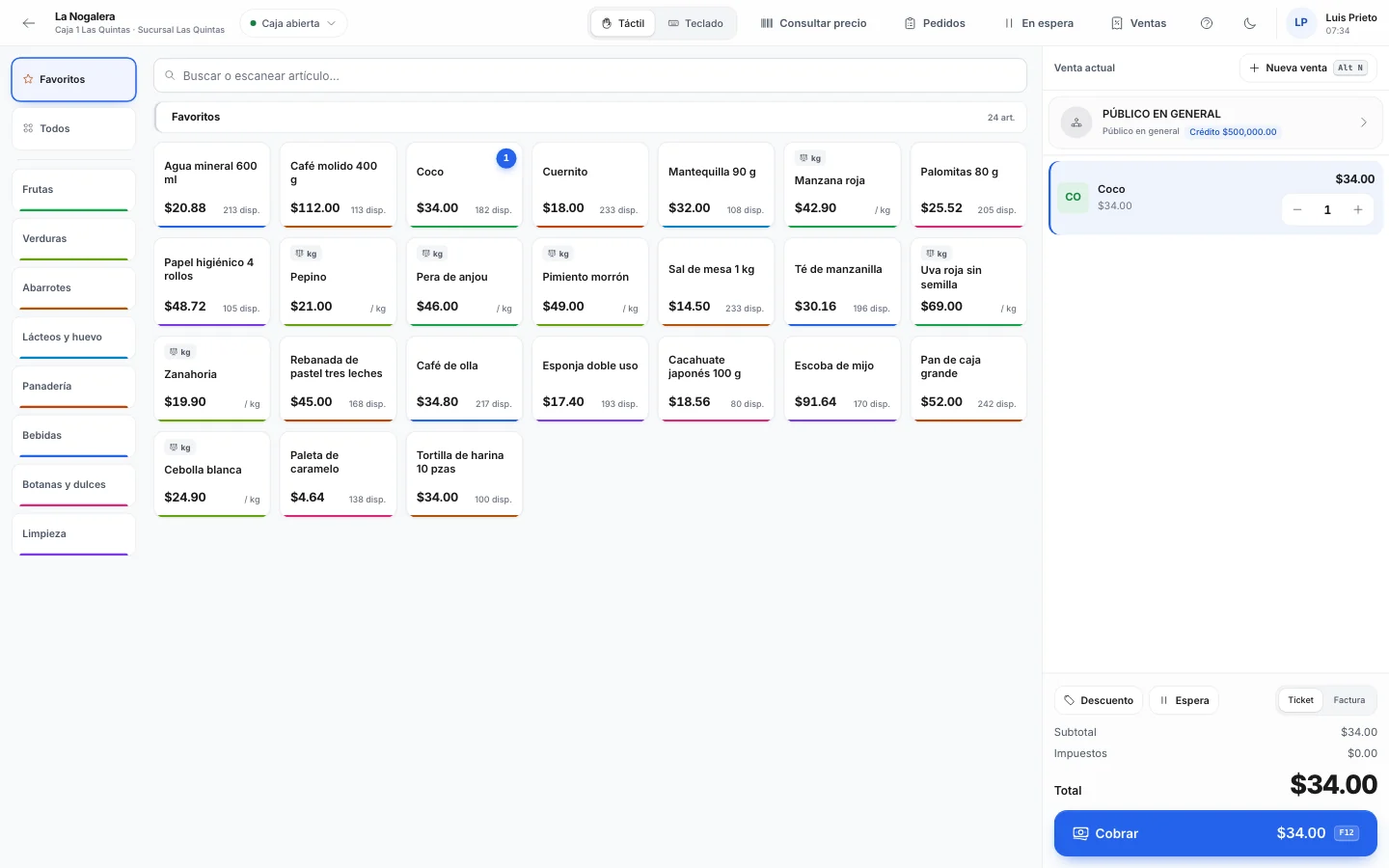
In keyboard mode the input field is always ready for the scanner. You scan, add three of the same item with 3*code and charge with F12. The change shows up in large type.
-
10:00
The supplier arrives
In Purchasing › Receiving by scanner you check what comes off the truck against your purchase order. If they sent something you didn't order, Nori rejects it, and on each line you see if the last cost went up.
-
13:30
The busy hour
A customer goes back for tortillas: F8 puts her sale on hold and F9 brings it back. Labels from the deli scale come in with the weight already on them.
-
16:00
You take out cash
With Alt+R you make a withdrawal and note the deposit bag number. If you set it up that way, the withdrawal needs the manager's PIN.
-
21:00
Closing
In Cash › Count and close you count cash by denomination plus the card slips. Nori tells you if you're over or short and the Z report prints.
-
21:15
What to order tomorrow
Purchase suggestions lists what reached its reorder point and how much to order to get back to the maximum. You adjust it and turn it into purchase orders.
Store credit, with a limit
In a neighborhood store, selling on credit is part of the business. The problem is that nobody sets limits in a notebook and everyone writes things down their own way.
In Nori each credit customer is set up with a credit limit. At checkout you press F2, pick the customer and put all or part of the sale On credit. If that purchase takes them over their limit, or they have overdue balances, you can make the sale require the manager's approval. You decide the limit for each person.
When the customer comes in to pay, you record the payment and their balance goes down. So you can tell them exactly how much they owe and since when.
Bulk items and the scale
Nori reads a scale connected by cable to the register computer, in Chrome or Edge. You put the cheese on, the weight goes to the receipt and the price is calculated. If the scale fails one day, you type the weight by hand.
If your deli prints labels, the ones starting with 020 carry the item and the weight. The cashier scans them like any other barcode.
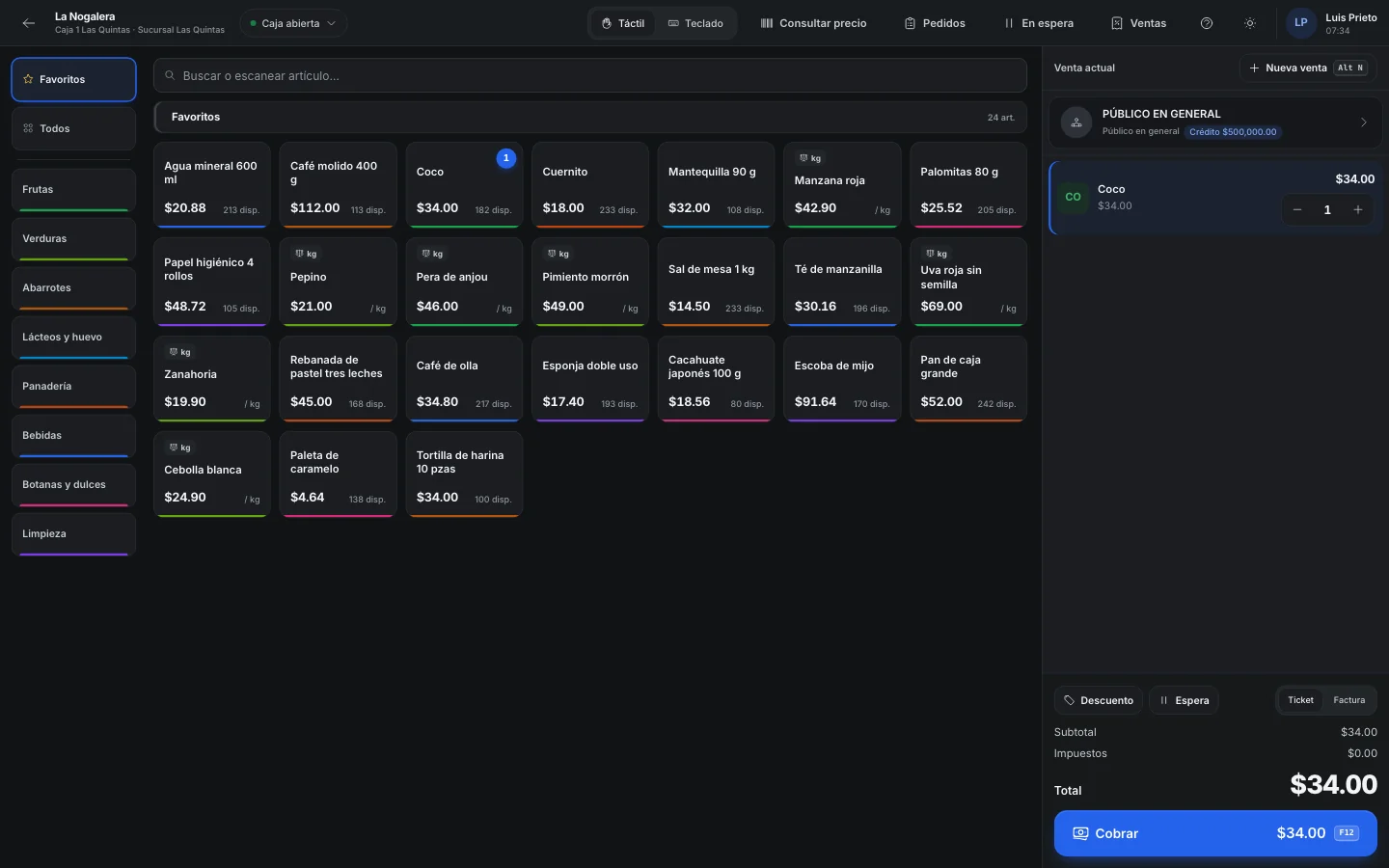
The same item can be sold by the piece or by the pack, each with its own price. And if you charge from a tablet, touch mode shows buttons with photos for things without a barcode, like bread or tortillas.
Example
A week at La Esquina Grocery
La Esquina Grocery is a made-up example: a store with two registers, a deli counter and a group of neighborhood customers who buy on credit.
Saturday is the busiest day. Every credit customer has a limit, and two sales needed approval because the customer was already over it. On Monday, Purchase suggestions put together the week's order from what was below its reorder point. In Mexico, the week's receipts were combined into one global invoice to the general public.
- sales rung up on Saturday
- 230
- sales rung up on Saturday
- on credit, spread across 22 customers with their own limit
- $9,600
- on credit, spread across 22 customers with their own limit
- items in Monday's purchase suggestions
- 38
- items in Monday's purchase suggestions
- global invoice with all of the week's receipts
- 1
- global invoice with all of the week's receipts
Before you open with Nori
- Your catalog with barcodes and prices. Anything without a barcode gets a button in touch mode.
- Bulk items marked to be sold by weight, and the scale connected to the register.
- A receipt printer at each register.
- Your credit customers set up with their limit.
- Minimum, reorder point and maximum on your best sellers, so purchase suggestions are useful from the first month.
- In Mexico, for the global invoice: the general public customer and an invoice series set to stamp.
Frequently asked questions
What happens if the internet goes down mid-sale?
The sale you're entering stays saved on the device and the bar shows Offline. Taking payment does need a connection: when it comes back you press Retry and the sale is never charged twice.
Can I do the global invoice every month?
Yes, in Mexico. In Sales › Invoice deliveries you choose how often: daily, weekly, every two weeks or monthly. Ask your accountant which one suits you.
A customer came back with their receipt and wants an invoice. What do I do?
In the POS you press Ctrl+F, scan the receipt number, pick the customer and invoice. It works as long as the receipt hasn't gone into a global invoice.
Can I run promotions only on certain days?
Yes. A promotion has a date range, days of the week and hours. It can be a percentage, a fixed price or buy X, get Y.
How do I check a price without opening a sale?
With the price checker in the Nori app: you scan the barcode with the phone camera and see the price and stock.
Related guides
- Sell at the point of saleTouch and keyboard modes, categories, scanner and scale, split payments, and what happens when the internet goes down.
- Open and close the register, with a blind cash countThe cashier's shift from the opening float to the Z report, and how to count the drawer without seeing the expected amount.
- Global invoice to the general publicRoll up the day's tickets (or the week's, fortnight's or month's) into one global invoice, and invoice customer deliveries in bulk.
- Receive goods with a scanner against the purchase orderScan incoming goods against one or more purchase orders. Nori rejects items that weren't ordered and asks for approval when more arrives than ordered.
Want to see it with your products?
We'll show you Nori with a catalog and routes like yours.