Series “SAP Business One for retailers and distributors”, part 1
Point of sale for SAP Business One: what SAP doesn't do on its own and how to solve it
SAP Business One has no counter point of sale. What you can do with SAP as is, when a separate checkout makes sense, and what to check before connecting one through Service Layer.
In this article
If your company already runs inventory and accounting in SAP Business One, sooner or later someone asks how the front counter is supposed to take payments. The short answer is that SAP Business One has no point of sale of its own. The long answer depends on how many tickets you ring up a day, who enters them, and whether you have trucks selling on the street.
If the decision is yours, start with what SAP already handles out of the box. Then find the point where it stops being enough, and only then look at another system, ours or anyone else's.
What SAP Business One does without add-ons
SAP Business One has every sales document you need: sales order, delivery, A/R invoice and incoming payment. Someone with an SAP user can serve a walk-in customer, enter the delivery or the invoice, record the payment and be done. Prices come from SAP's price lists, stock goes down right away, and the document is already where accounting looks for it.
For plenty of companies that is enough. If most of your sales are on credit, by order, and the counter sees ten or fifteen customers a day, entering them in SAP is reasonable. There is no other system to maintain and no connection to watch.
You probably don't need a separate checkout when most of this is true:
- Counter sales are few, and the person entering them already uses SAP.
- You don't handle cash with a shift close.
- You have no route reps selling or collecting outside the office.
- You already have a connected checkout that works and nobody re-keys anything.
If that sounds like you, adjusting permissions and print layouts in SAP may be all you need.
Where counter sales get stuck in SAP
The trouble shows up with volume and with who is selling. SAP's invoice screen is built for office staff: lots of fields, several tabs, keyboard and mouse. A cashier serving a line of customers needs to scan, take cash or card, give change, print the ticket and move on. Doing that on SAP's invoice screen is slow and error-prone.
Then there is licensing. Everyone who enters sales in SAP takes an SAP user, even if all they do is take payments. With two shifts and three registers, that adds up fast.
And the cash drawer. SAP records payments, but it isn't built to open a drawer with a float, count the cash at the end of a shift and explain a 40-peso shortage.
So many companies end up with one of two half-solutions:
- A checkout program that doesn't talk to SAP, and someone who re-keys the tickets or imports a file at the end of the day. SAP's stock lags all day and the typos surface at month-end close.
- Route reps who take orders on paper or over WhatsApp, and someone in the office who types them into SAP one by one.
Both work until they don't. The usual symptom is that SAP's inventory never matches the shelf.
Three ways to handle it
| Enter sales in SAP | Standalone checkout plus re-keying | Checkout connected to SAP | |
|---|---|---|---|
| Who enters sales in SAP | The cashier, with an SAP user | Office staff, at the end of the day | Nobody: the checkout posts to SAP |
| SAP licenses | One per person who sells | Whoever re-keys | One integration user (check your contract) |
| Stock in SAP | Real time | Behind until re-keyed | Minutes after each sale |
| Prices | SAP's | Copied by hand, drift over time | Pulled from SAP |
| Main risk | Slow lines | Typos and cash differences | A connection that fails silently |
| Good fit for | Few sales, mostly on credit | Rarely, as a stopgap | Busy counter, several registers or route sales |
The third column deserves a careful look, because a bad integration can be worse than re-keying. A checkout that duplicates invoices in SAP or sells at stale prices will cost you more hours than the person who types.
What to ask of a checkout connected to SAP
These questions apply to any system you evaluate, ours included.
How it connects
SAP Business One offers Service Layer, an official web interface that enforces SAP's own validations. If a proposal requires installing a service on the SAP server or writing straight to the database, ask who maintains it when you upgrade.
Which series and which reference
Every document should land in SAP with a series you choose and a reference you can search for. When a customer disputes a ticket, you need to find it in SAP without guessing.
What comes down from SAP, and how often
Items, price lists, special prices, customers with their balance and credit limit, warehouses, batches and serial numbers. Stock and prices should refresh every few minutes, and something should check for differences overnight.
What happens when SAP doesn't answer
It will happen: a restart after an update, a network outage, an expired certificate. The checkout should keep selling, hold what is pending and send it later in order (the order before its delivery, the invoice before its payment). Above all, it should never create anything twice.
What happens with CFDI
If the checkout invoices, the invoice has to reach SAP already stamped, with its UUID, and flagged so SAP doesn't stamp it again. If the checkout doesn't invoice and SAP does, it must be clear when the stamping happens.
How Nori handles it
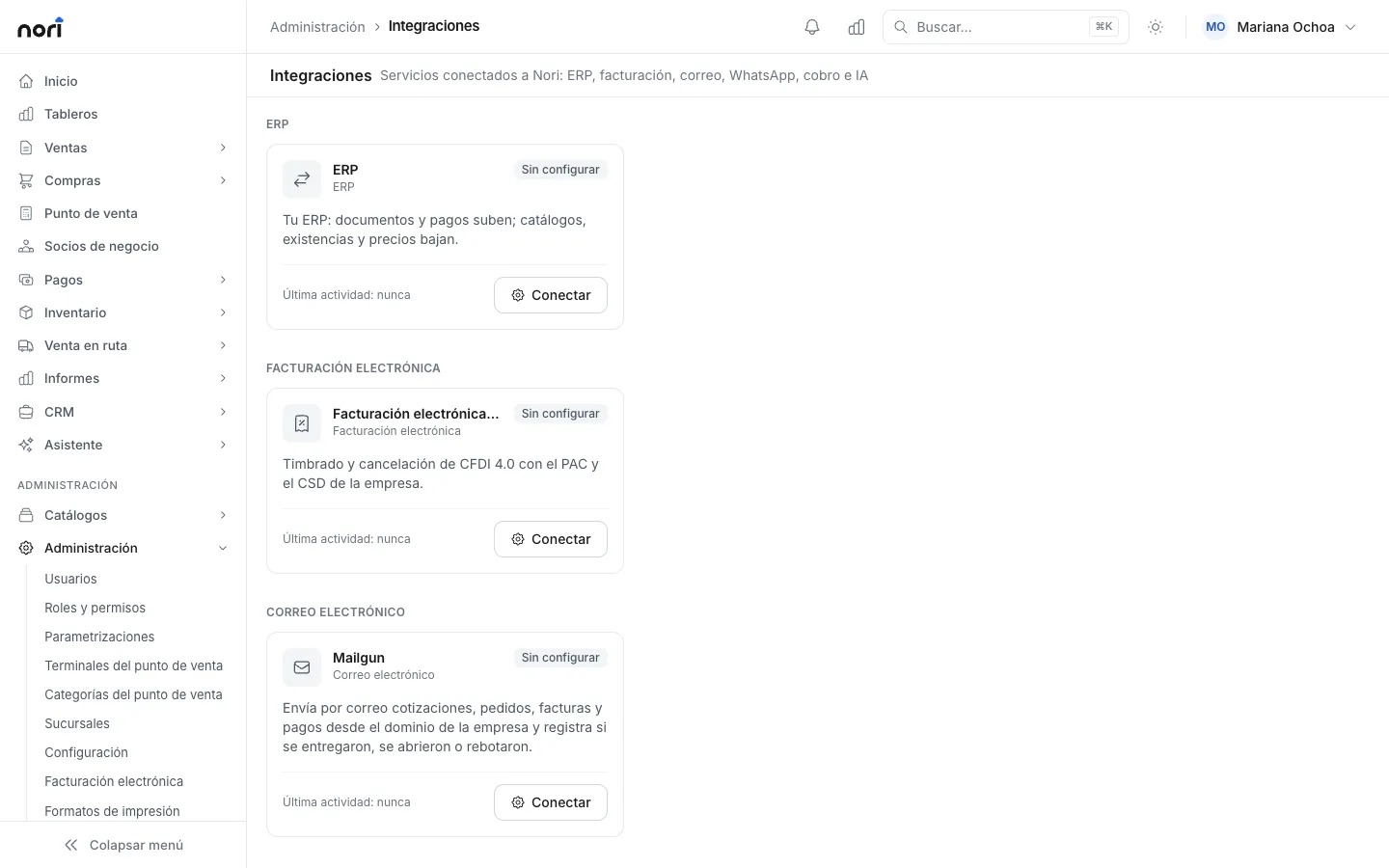
Nori is one option. It adds the checkout, the route sales app and warehouse delivery, and it posts to SAP through Service Layer. It works with SAP Business One 9.3 or later. To connect, you enter the Service Layer URL, the company database, a user and a password. Nothing is installed on the SAP server and the database is never touched directly.
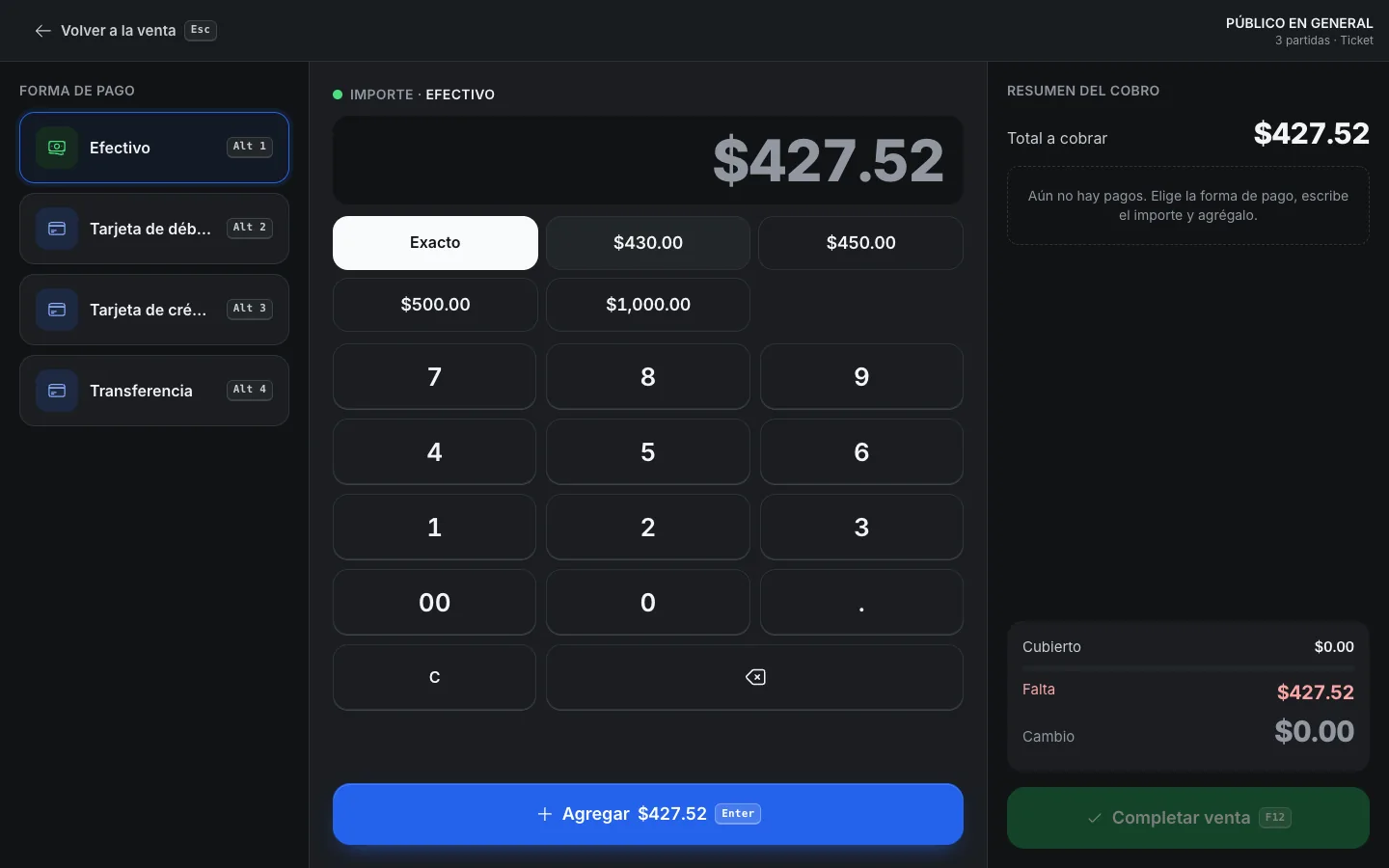
Each Nori series is linked to an SAP series. When the cashier rings up a sale, the number comes from that series and the document enters an outbound queue. It is created in SAP as the matching document, with the reference N plus the number, and with the batch, serial number or bin on every line. When SAP answers, Nori stores the DocEntry and DocNum, so you can trace it on both sides.
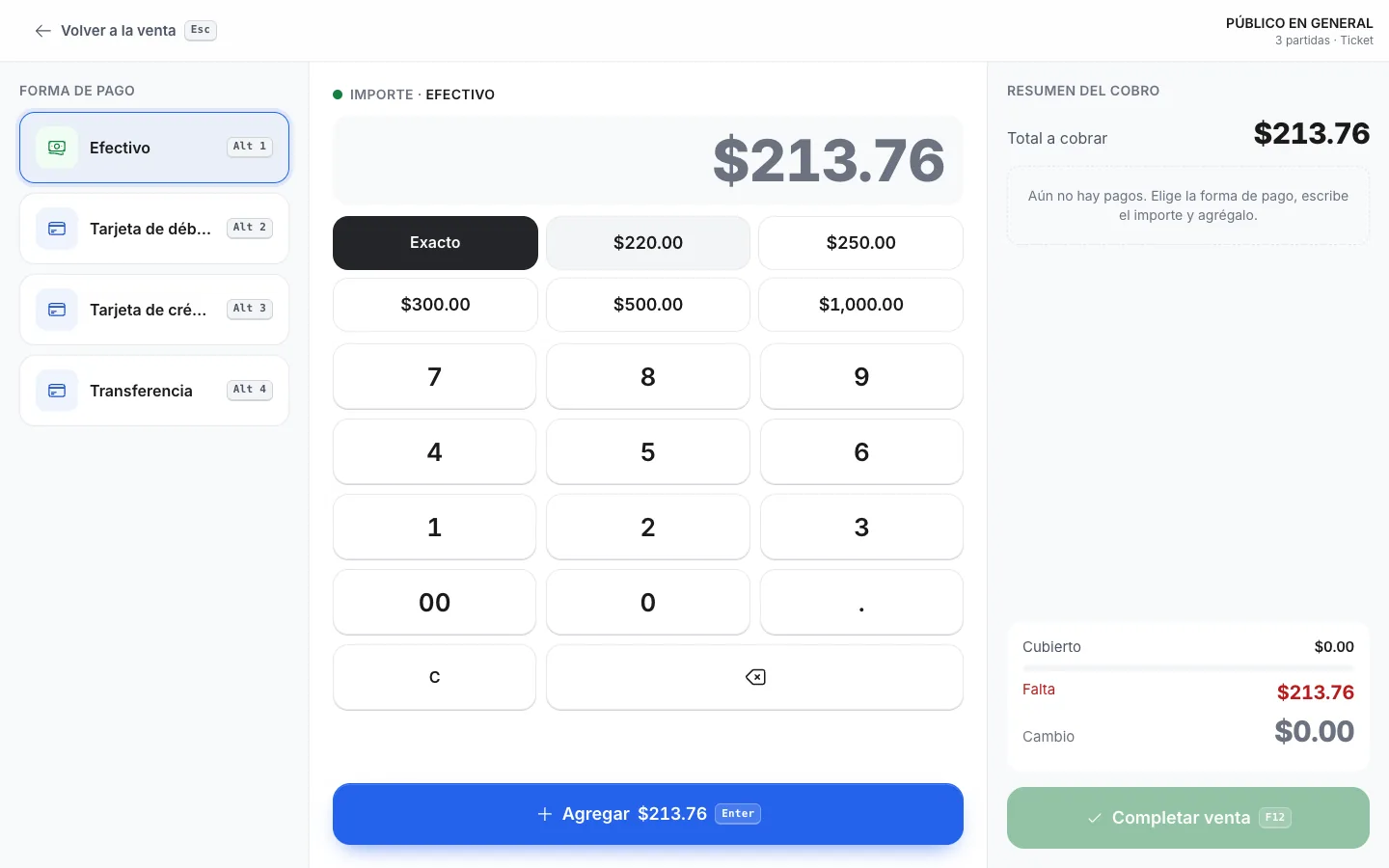
SAP owns the catalogs. Items, prices, business partners and warehouses are edited in SAP and are read-only in Nori, so there are never two versions of the same price. You choose how often each catalog refreshes. Every night, at a time you pick, a reconciliation compares everything against SAP and fixes what doesn't match, including items that were retired there.
Stock has one detail that matters at the counter. Nori shows SAP's stock minus what it already sold and hasn't uploaded yet. Without that, a sale from a minute ago would reappear on the shelf with the next refresh. If you want to be extra safe, the checkout can ask SAP for price and stock the moment the cashier presses Charge; if something changed, the cashier sees the old and new values and decides.
When SAP doesn't answer, the checkout keeps selling. Failed sends retry on their own, waiting 1, 2, 4 and 8 minutes and longer after that, up to six hours. Before retrying something that may have arrived, Nori looks the document up in SAP by its reference and, if it exists, links it instead of creating it again.
Anything that runs out of retries is flagged on the ERP screen, where you retry it or mark it resolved with its SAP number. With alerts on, admins get an email when something falls behind.
CFDI and SAP
When Nori stamps (a Mexican company and an electronic series), invoices, credit memos, down payments and payments with their complement go to SAP only after they have their CFDI. You can't turn that off. SAP never stamps a second time something the checkout already stamped, and a sale whose stamp failed never reaches SAP looking complete. The document goes up with its UUID and the flag that says it already has its CFDI.
Licensing and cost
In Nori each person uses a license you pay for once and own. Each year you pay maintenance of 18% of your active licenses, which covers updates, support and the mobile app. The SAP Business One connector is included at no extra cost, and implementation is optional.
Cashiers and route reps sign in with their Nori user, and so does whoever picks orders in the warehouse. The SAP connection uses an integration user. What your SAP contract says about indirect access is for your partner to confirm, and we suggest doing that before you sign with any checkout vendor.
Before you decide
Run the numbers you already have: how many people sell or take payments today, how many of them use SAP, how many hours a week go into re-keying, and how many times a month inventory doesn't match. If the numbers are small, stay with SAP as is. If not, review a connected checkout against the questions above.
If you have reps on the street, run the same numbers for the routes. Re-keying there is usually heavier than at the counter, because orders arrive on paper, in photos or in chat messages, and almost always at the end of the day.
Frequently asked questions
Does SAP Business One have a point of sale?
It has no counter checkout of its own. A licensed SAP user can enter deliveries, invoices and incoming payments, which works for a few sales a day. For fast counter checkout or route sales, most companies add a separate system connected to SAP.
Do I need an SAP license for every cashier?
If the cashier works in SAP, yes. With a connected checkout, cashiers sign in with their checkout user and the connection uses an integration user. Ask your SAP partner what your contract says about indirect access before you decide.
Which SAP Business One version does Nori need?
9.3 or later, with Service Layer published and reachable over the internet. Nothing is installed on a Windows machine and Nori never writes to the database directly.
What happens to sales if SAP stops responding?
The checkout keeps selling. Each sale is saved in Nori and waits in a queue. Retries run on their own, in the order the sales happened, and before retrying Nori looks the document up in SAP so it is never created twice.
Can the checkout invoice if SAP also stamps CFDI?
Yes, but only one of them should stamp. When Nori stamps, the invoice goes to SAP only after it has its CFDI, with the UUID and flagged as already stamped, so SAP doesn't stamp it again.