Series “SAP Business One for retailers and distributors”, part 2
What does it cost to give every cashier an SAP license? ERP seats vs. a connected point of sale
How the cost adds up when cashiers and sales reps work in SAP Business One, what to ask your SAP partner about indirect access, and how it compares with a connected checkout licensed per user.
In this article
In the first part of this series we saw that SAP Business One has no counter checkout and that you have three options: enter sales in SAP, use a standalone checkout and re-key everything, or connect a checkout to SAP. The next question owners ask is almost always about money. Is it cheaper to give every cashier SAP, or to buy something else?
We won't quote SAP prices here. They change by user type, by version, by how you bought, and by what you negotiated with your partner, so any number we published would be wrong for half the people reading this. What we can do is lay out the pieces each option's cost is made of, so you go to your partner with the right questions.
How SAP Business One counts users
SAP Business One is licensed per named user. Everyone who signs in to SAP under their own name takes a license, and that license is assigned to them. There are several user types with different scope and different prices, and your partner tells you which one each role needs.
On top of that comes maintenance or the subscription fee, depending on how you bought. With perpetual licenses you normally pay yearly maintenance on them. With a subscription you pay a recurring fee per user. Either way, the cost comes back every year for as long as that person keeps their user.
At the counter this has a direct consequence: a cashier who only rings up sales takes an SAP user just like someone in accounting. Two shifts and three registers means six people, and more if someone covers breaks or vacations. Route sales work the same way, with one user for every rep who takes orders or collects payments on the street.
What goes into each option's cost
The license is the part you see. Other costs never show up on the SAP invoice, but you pay them anyway.
| Everything in SAP | Checkout connected to SAP | |
|---|---|---|
| SAP user per cashier or rep | Yes, one per person | No: they sign in with the checkout license |
| SAP maintenance or subscription | On all of those users | Only on office users |
| User for the connection | Not applicable | An integration user, per your contract |
| Checkout licenses | Not applicable | One per person who uses it |
| SAP connector | Not applicable | Check whether it costs extra (Nori includes it) |
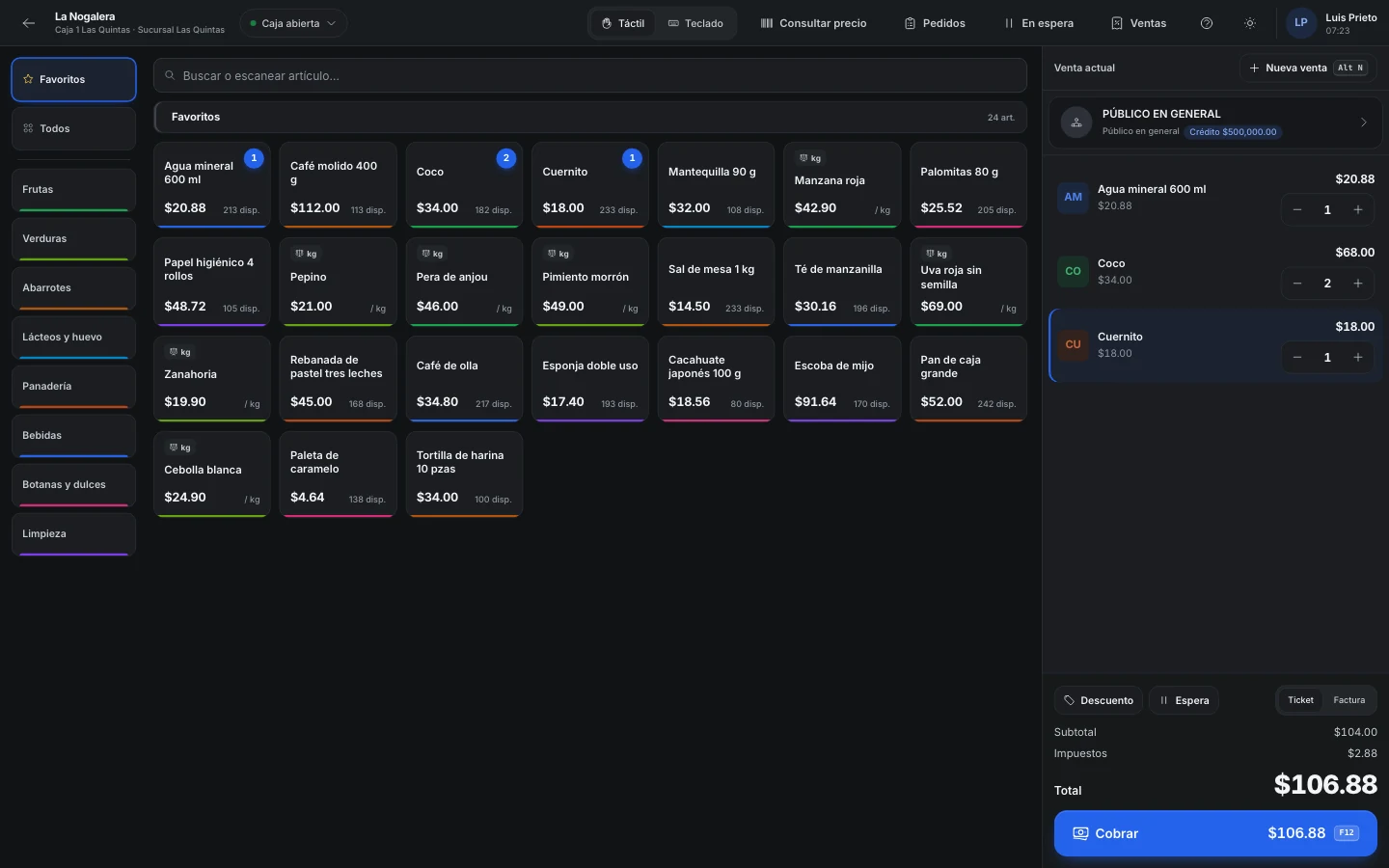
| Speed at the counter | Office screens, with a line waiting | A screen built for checkout |
| Route sales | Every rep takes an SAP user | Reps use the checkout's app, if it has one (Nori does) |
| Re-keying | None | None, as long as the connection works |
The last row assumes the checkout actually posts to SAP. A cheap checkout that doesn't saves you licenses and charges you back in the hours someone spends re-keying tickets every night, which is why we left it out from part one.
Indirect access: ask before you sign
This is where quick comparisons go wrong most often. Your cashiers not signing in to SAP doesn't mean SAP has nothing to say about them. SAP has rules for what it calls indirect access: someone creating documents in SAP, or reading its data, through another system. A checkout that posts sales through Service Layer is part of that conversation.
How it applies to your company depends on the contract you signed, when you bought, and the license types you have. We can't answer that for you, and I'd be wary of any checkout vendor who does. What we do recommend is emailing your partner something like this, so the answer is in writing:
- We're going to connect a point of sale through Service Layer with an integration user. What license does that user need?
- Cashiers and sales reps won't sign in to SAP. Does our contract require licenses for them anyway?
- Does the answer change if the checkout only posts documents and payments, and reads prices and stock from SAP?
With that answer in hand, you can compare real numbers.
How Nori charges
In Nori each person takes a license, and you pay for it once. There are five types: Cashier, Sales, Logistics, Supervisor and Administrator. Each type covers what that role needs, and the price varies by type, so you don't pay the same for someone who only rings up sales as for whoever sets up the company. Licenses and roles lists what each one covers.
Every year you pay maintenance of 18% on active licenses. It gets you updates and support, and the mobile app is included. If you deactivate a license, it stops counting at the next renewal, and when someone leaves the company their license moves to the person who replaces them, with no new purchase.
The SAP Business One connector is included at no extra cost. You set it up yourself in Nori with the Service Layer URL, the company database, a user and a password, or we leave it ready if you buy the ERP implementation package, which is optional. If you stamp CFDI invoices with your own PAC, Nori charges nothing per stamp.
Prices for each license type and for implementation are published on the pricing page, with a calculator where you enter how many people would use each license. We don't copy them here because that page is the one that stays up to date.
When giving everyone an SAP user does make sense
In some cases a connected checkout doesn't pay for itself, and it's worth saying so:
- There are only a few people and they already use SAP for other work. If whoever runs the counter also handles purchasing and pulls reports in SAP, they need their user anyway. Adding a checkout license is an extra cost to save a little time.
- You sell almost everything on credit, by order. With ten or fifteen counter sales a day and no cash drawer per shift, the SAP invoice screen is enough.
- You have paid SAP users nobody uses. If you already pay maintenance on them, putting them to work is cheaper than buying new licenses elsewhere.
- Your partner says indirect access requires licenses regardless. Then the savings on users disappear, and the decision comes down to operations: how fast you check out and whether you sell on routes.
If two or three of those sound like you, stay in SAP and review permissions and print layouts with your partner.
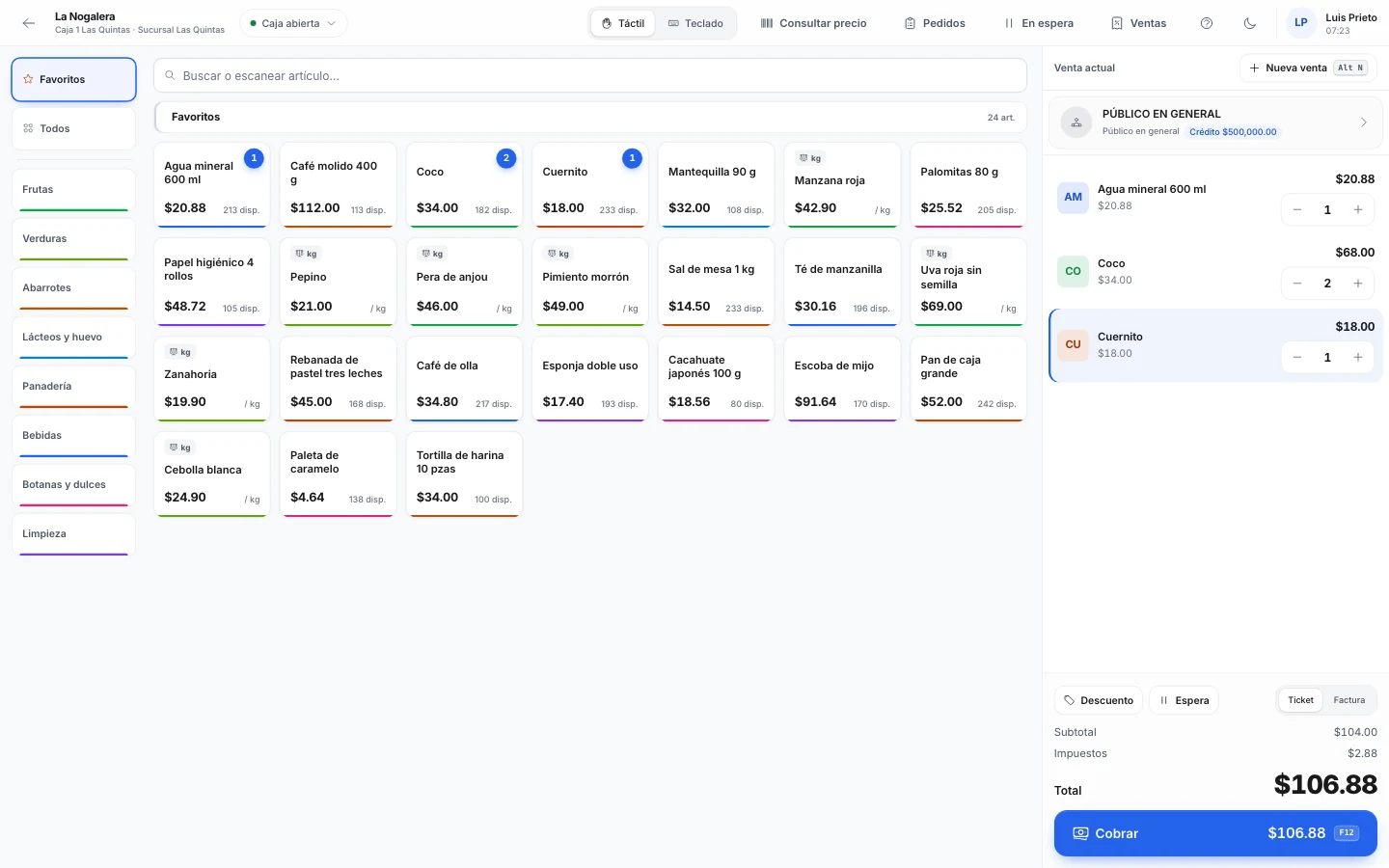
A connected checkout starts paying for itself when several people only ring up sales or only sell, when you run shifts, or when you have reps on the street who send orders over WhatsApp today for someone to type in.
Run the numbers with your own data
Fill in this list before talking to any vendor, Nori included:
- How many people ring up sales, sell or pick orders today, and how many of them have an SAP user.
- Which SAP user type a cashier would need and what you pay for it each year, according to your partner.
- What your partner answered about indirect access, in writing.
- How many hours a week go into re-keying tickets or orders.
- How many checkout licenses of each type you'd need, using the pricing calculator.
Compare over three to five years, because both options have an upfront payment and a yearly cost that repeats. If the difference turns out small, stick with what your team already knows.
If you want to see how the connection works inside, the Nori for SAP Business One page explains what goes up and what comes down, and the guide to connecting Nori to your ERP has the steps. The other question that comes up before connecting is whether checkout stock will match SAP's. We answer it in why stock doesn't match between the point of sale and the ERP.
Frequently asked questions
How much does an SAP Business One user cost?
It depends on the user type, on whether your license is perpetual or a subscription, and on what you agreed with your partner. Ask for a written quote for the user type a cashier would need and the yearly maintenance that goes with it.
What is indirect access in SAP?
It's when someone uses SAP data or creates documents in SAP through another system, without signing in to SAP. SAP has rules for this, and what applies depends on your contract. Ask your partner how your contract treats a checkout or an app that posts to SAP through Service Layer.
Does Nori charge extra for the SAP Business One connector?
No. The connector is included with the licenses. Assisted implementation is optional; you can buy it or set everything up yourself.
Where can I see Nori's prices?
On the pricing page, which has a calculator by license type. You pay for each license once and, every year, maintenance of 18% on active licenses.
Can some people work in SAP and others in Nori?
Yes, and that's the usual setup. Accounting, purchasing and administration stay in SAP. The people who ring up sales at the counter, sell on routes or pick orders in the warehouse work in Nori.