Why stock doesn't match between your point of sale and your ERP (and how to prevent it)
The real reasons the checkout and the ERP show different stock: sales not yet posted, available calculated differently, reserve invoices, e-invoice stamping and retries. What to check and how a connected checkout handles it.
In this article
- The sale left the checkout and the ERP doesn't know yet
- Each system calculates available stock its own way
- Reserve invoices and orders that set stock aside without moving it
- Documents that didn't post, or posted twice
- CFDI stamping shifts the timing too
- Cause by cause
- How Nori handles it
- Before you blame the count
A customer asks for ten cases of a product. The checkout says there are twelve. The warehouse clerk goes to the back and finds four. The next day someone opens the ERP and sees a third number. If you run a point of sale connected to an ERP, something like this has probably happened to you, and the first suspicion was theft or a counting mistake.
Sometimes it is. But many gaps between the checkout and the ERP come from the way the two systems pass information back and forth, and those can be prevented. Nearly all of them come down to timing or formulas.
The sale left the checkout and the ERP doesn't know yet
Every connected checkout has a window when a sale exists on one side and not yet on the other. It might be a minute, if each sale posts right away, or a whole day, if someone imports a file at night.
The trouble starts when the checkout pulls the ERP's stock every few minutes and copies it as is. You sold three units at 10:00, the sale hasn't reached the ERP, and at 10:05 the checkout receives the stock figure from before the sale. The three units are back on the shelf, on screen at least, and the next cashier sells them again.
The fix is for the checkout to stop trusting the ERP's figure blindly. It should take the ERP's stock and subtract what it has already sold and not posted yet. Once the ERP receives the sale, the subtraction is no longer needed because the sale is already inside its figure.
Each system calculates available stock its own way
On hand is what's physically in the warehouse. Available is what you can promise, and each ERP has its own formula:
- In SAP Business One, available is on hand − committed + ordered. Committed is open customer orders; ordered is purchase orders to suppliers.
- In NetSuite it's on hand − committed, without adding what's on order from suppliers.
If the checkout calculates it differently, it shows a number nobody in the office recognizes. The typical case is a checkout that only looks at on-hand stock and sells goods already set aside for a customer order. The order ships short, and the sales rep finds out when the customer complains.
Reserve invoices and orders that set stock aside without moving it
Some documents commit stock without taking it out. The clearest case is the reserve invoice: the customer pays today for everything on their job and picks up the goods in parts. The invoice is stamped and hits their account, but stock only drops as each delivery is made. Until then, what was invoiced stays committed in the warehouse.
If your checkout doesn't understand that document, it sees the material on the shelf and sells it. And if the ERP treats it differently (NetSuite has no reserve invoice and takes stock out when invoicing), you need to know when stock drops on each side. The reserve invoice guide explains how Nori handles it with SAP and with NetSuite.
Orders work the same way. An order entered at the checkout a minute ago sets its goods aside there, but the ERP doesn't count it as committed until it arrives. If the checkout ignores those pending orders, two reps can commit the same unit.
Documents that didn't post, or posted twice
Connections fail. The ERP restarts for an update, the branch's internet drops, a certificate expires. If a send fails and nobody sees it, the ERP never takes that sale out of stock, and the gap shows up at the next physical count.
The opposite case is just as bad. The checkout sends the sale, the ERP records it, but the response gets lost on the way back. The checkout thinks it failed and sends it again. Now the ERP has two sales and took out double the stock.
Route sales have the same problem. An app that sells without signal keeps sales on the phone and sends them when the connection returns. If the signal comes and goes, the app can send the same sale more than once without knowing it.
CFDI stamping shifts the timing too
If the checkout stamps invoices (CFDI is Mexico's electronic invoice), you have to decide when the invoice goes to the ERP: before or after stamping. If it goes before and stamping fails, the ERP holds an invoice that doesn't exist for tax purposes and its stock already dropped. If it goes after, there's a window when the goods are gone and the ERP doesn't know. That window is fine as long as the checkout counts it as a sale waiting to post.
Cause by cause
| Cause | How you notice | What to ask of the checkout |
|---|---|---|
| Sale not posted yet | The sold item reappears a few minutes later | Subtract what's sold and not posted from the ERP's stock |
| Available calculated differently | The checkout promises stock already set aside | Use the same formula as your ERP |
| Reserve invoice or recent order | Orders ship short | Count committed stock, including what hasn't reached the ERP |
| Failed send nobody saw | A gap that shows up in the physical count | A visible queue and email alerts |
| Duplicate send | The ERP takes stock out twice | One key per document, and a lookup before retrying |
| Invoice waiting for its stamp | The sale takes a while to reach the ERP | Post after stamping, and hold with an alert if it fails |
| Transaction entered in the ERP | A goods receipt the checkout doesn't see yet | Pull stock every few minutes |
How Nori handles it
Nori is a checkout and a route sales app connected to SAP Business One through Service Layer and to NetSuite through REST. Here's how we handled each row of the table, so you can compare it with whatever you use today.
With the ERP as the owner of stock, which is the normal setup, Nori shows the ERP's stock minus what it has already sold and not posted. Committed stock works the same way: an order entered in Nori that hasn't reached the ERP keeps its goods set aside. There's a rare case where a sale reaches the ERP right while Nori is reading stock, and for a couple of minutes it gets subtracted twice. The number looks lower, never higher, so nothing is oversold, and the next pull fixes it.
Available stock uses your ERP's formula: with SAP Business One it adds what's on order from suppliers, and with NetSuite it doesn't. An order is checked against available, so two orders can't set aside the same unit, and a delivery or invoice that moves goods is checked against on-hand stock when it posts.
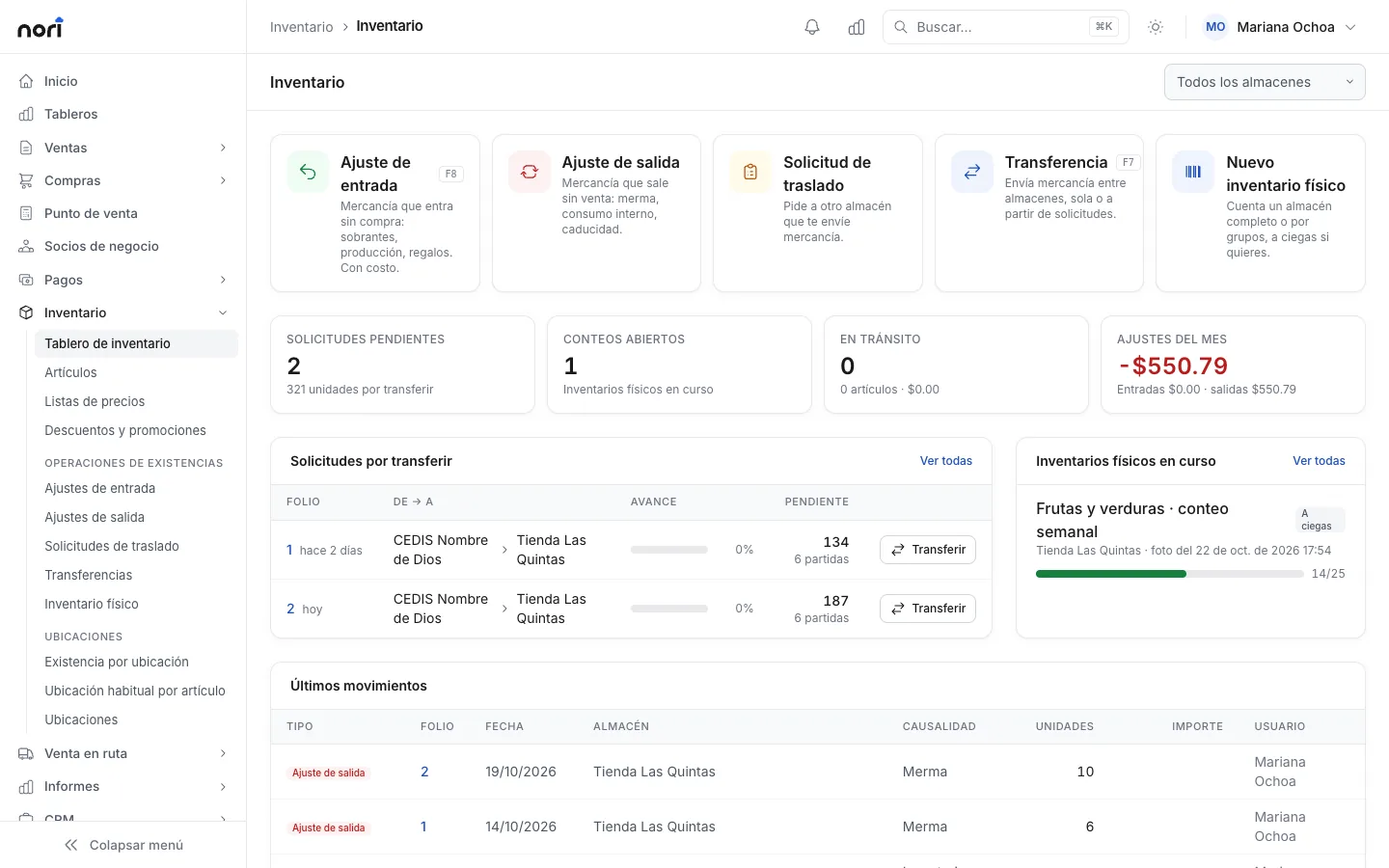
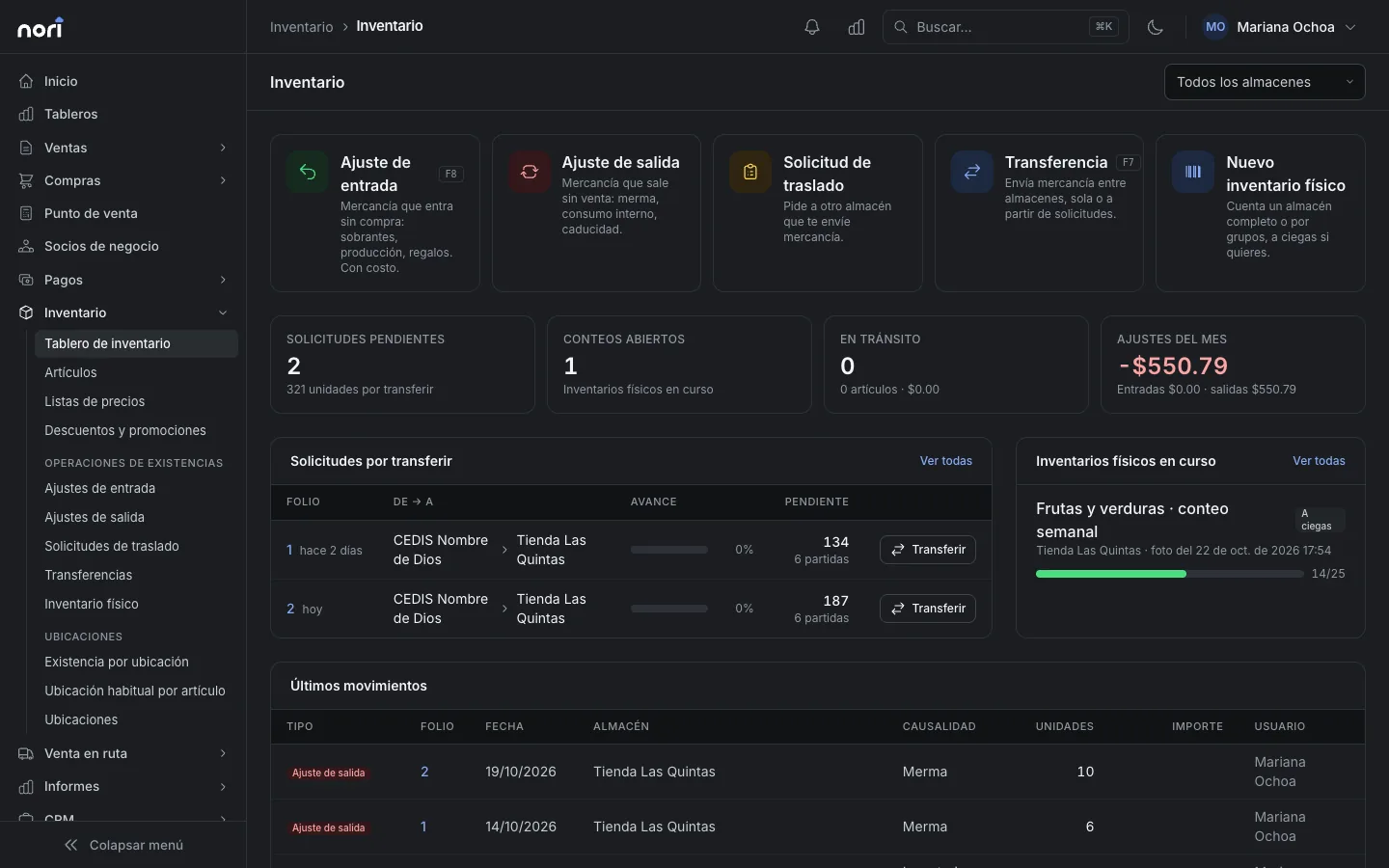
Every document and payment goes up with Nori's own reference. If a send fails, it retries on its own, and before retrying something that might have arrived, Nori looks it up in the ERP by that reference. If it's there, Nori links it and doesn't create it again. Anything that runs out of retries is flagged on the ERP screen, and with alerts on, administrators get an email.
The route app keeps sales and payments on the phone when there's no signal and sends them once the connection returns. Every operation carries its own idempotency key: if it arrives twice, Nori records it once and returns the same response as the first time. The mobile app guide has more detail.
With stamping on, invoices and credit notes go to the ERP only after they have their CFDI, and so do down payments and payments with a payment complement. While they wait, their stock movement counts as pending and is subtracted from stock. If stamping fails, the document is held with an alert. The stamping guide explains the setup.
If you want to play it safe at the counter, you can have the checkout ask the ERP for price and stock right when the cashier hits Charge. If something changed, the cashier sees the old and the new figures and decides.
And every night, at a time you choose, a reconciliation runs. It goes document by document through what Nori posted in recent days: is it in the ERP, does it have the same total, and is it cancelled on both sides or neither. Each difference becomes an issue with its fix: post it again, adopt the ERP's record, or dismiss it. Differences that have since been fixed close on their own.
Before you blame the count
If your stock doesn't match today, check these before counting the warehouse again:
- How long does a checkout sale take to show up in the ERP? Ring up a test sale and time it.
- Does the checkout show on-hand or available stock, and with which formula?
- Are there documents that set stock aside without moving it, like reserve invoices or orders, and does the checkout see them?
- Where do you see failed sends, and who finds out?
- If you sell on routes, what happens to a sale that gets sent twice?
If the answers leave you unsure, the guide to connecting Nori to your ERP explains what goes up, what comes down, and how to tell whether sync is up to date. If you use SAP Business One, point of sale for SAP Business One covers the rest of what to check before connecting a checkout. For NetSuite, the equivalent is NetSuite has no point of sale for Mexico.
Frequently asked questions
Why does the checkout show one stock figure and the ERP another?
Usually the checkout has already recorded sales the ERP hasn't received yet, or the two systems calculate available stock with different formulas. It also happens when a document failed to post and nobody noticed, or when it posted twice.
How is available stock calculated in SAP Business One?
On hand minus what's committed to customer orders, plus what's on order from suppliers. NetSuite doesn't add what's on order: its available is on hand minus committed.
How does Nori keep a sale from reappearing on the shelf?
It shows the ERP's stock minus what Nori has already sold and not posted yet. Once the ERP receives the sale, that adjustment no longer applies because the sale is already part of the ERP's figure.
What happens to sales the app makes with no signal?
They're saved on the phone and sent when the connection comes back. Every operation carries its own key, so if it's sent twice, Nori records it once.
Why does an invoice stamped at the checkout take a while to reach the ERP?
With CFDI stamping on, the invoice goes to the ERP only after it has its CFDI. If stamping fails, the document is held with an alert, so it never reaches the ERP looking complete when it isn't.