Series “NetSuite for distributors”, part 2
NetSuite and CFDI 4.0: how to stamp counter and route sales
Who stamps the CFDI when you sell at the counter and on the road with NetSuite: what localizations cover, the global invoice, credit memos, payment complements and cancellations, and how Nori handles it.
In this article
In part one we said the thing to check most in any checkout connected to NetSuite is the CFDI, Mexico's electronic invoice. Who stamps it, when, and how each document lands in NetSuite all depend on where the sale happens: in the office, at a counter or out on a route.
What NetSuite has for stamping
NetSuite doesn't stamp on its own. To invoice in Mexico, the account needs a localization and a PAC (an authorized certification provider). There are localizations and third-party add-ons that add the SAT fields, build the XML and send it for stamping. Some are installed by your implementation partner and others are bought separately, and they don't all cover the same things. Ask for the exact list of documents: invoice, credit memo, payment complement, global invoice and cancellation with a reason code.
If all your invoicing starts in the office, that's usually enough. Someone in credit enters the invoice, the localization stamps it and the PDF goes out by email. The payment complement is generated when collections applies the customer payment. Nobody is standing at a register waiting for an invoice.
Things change when the sale happens away from NetSuite. The counter customer asks for an invoice with a line behind them. The shop owner buying from your route rep wants a receipt with the CFDI's QR code before the truck pulls away, sometimes on a street with no signal. If the sale has to reach NetSuite before the localization can stamp it, that customer leaves without an invoice, or someone emails it the next day.
The documents that come out of the counter and the route
| Document | When it's issued | What usually goes wrong |
|---|---|---|
| Invoice (income) | The customer asks for an invoice at purchase, or you sell on credit | PUE or PPD payment method, depending on whether it was paid |
| Global invoice | Walk-in tickets for the day, week, half-month or month | The periodicity, or a ticket included twice |
| Credit memo (expense) | A return or discount after invoicing | The CFDI use and the link to the original invoice |
| Payment complement (REP) | You collect on a PPD invoice | The installment number and the remaining balance |
Then there are cancellations, which under CFDI 4.0 carry a reason code and, for reason 01, the UUID of the replacement.
The rule that prevents most problems
Each document is stamped by one system only. If the checkout stamps and NetSuite's localization also stamps when the record arrives, the customer ends up with two CFDIs for the same sale. If each system assumes the other one stamps, nobody does.
Two setups work. One keeps stamping in NetSuite: the checkout only records tickets, and the office invoices them later. That fits a small counter with no invoicing on the road. The other has the checkout stamp everything it sells, and NetSuite receives each record with its UUID, flagged so the localization lets it through.
How Nori stamps
Nori stamps CFDI 4.0 with your own PAC or with Nori's PAC. If you already have a contract with Finkok, EDICOM, Solución Factible or ISI, you enter your credentials and pay your PAC directly; Nori charges you nothing for those stamps. If you don't have a PAC, Nori's stamps through Finkok at MXN $0.65 plus VAT per stamp, billed monthly for what you stamped. Cancellations are free. Stamping is not included in the license; you pay for it separately, depending on the option you choose.
Before the first stamp you upload your digital seal certificate (CSD) and the details from your tax status certificate. The steps are in Stamp and download CFDI 4.0 invoices.
Stamp first, then NetSuite
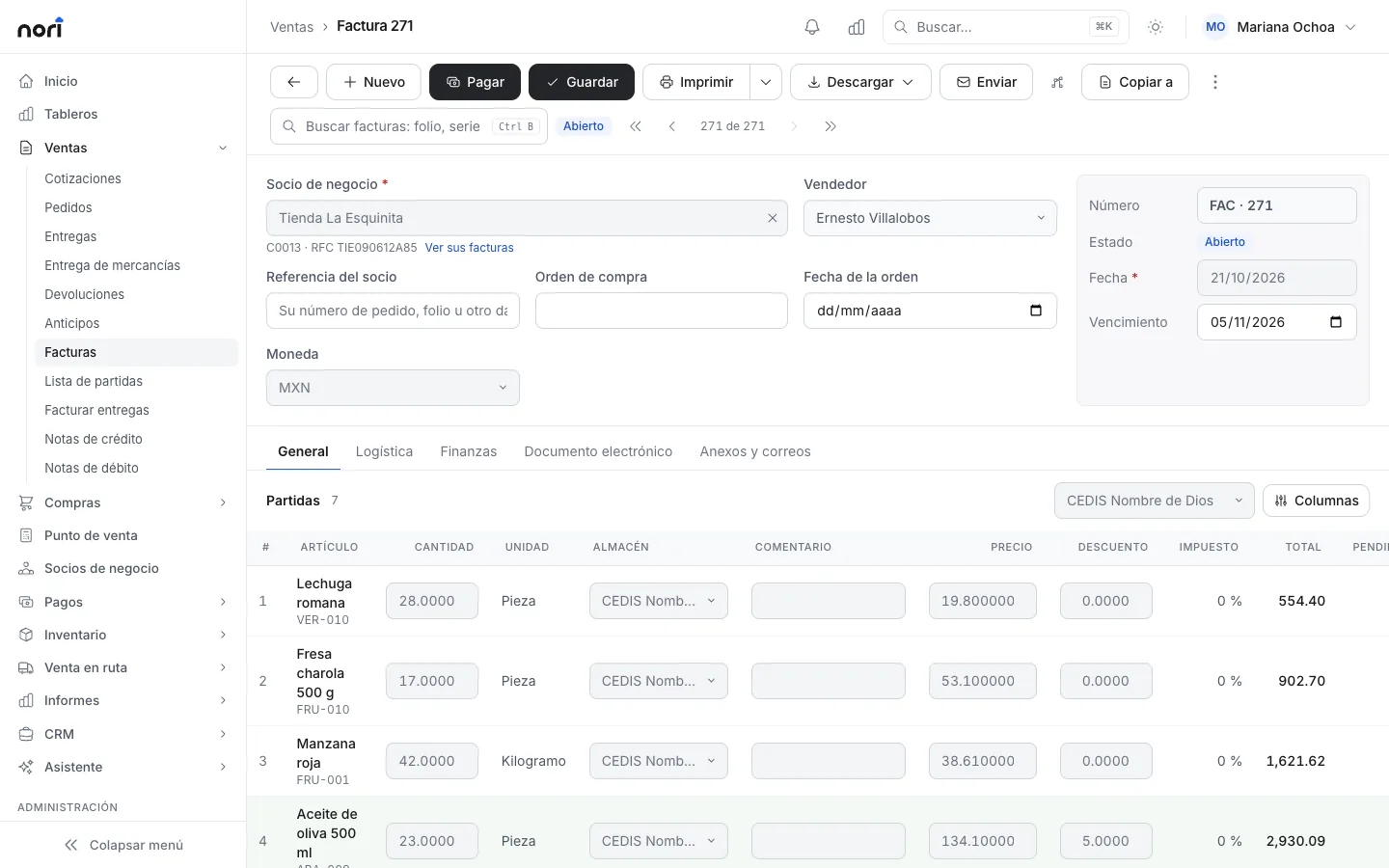
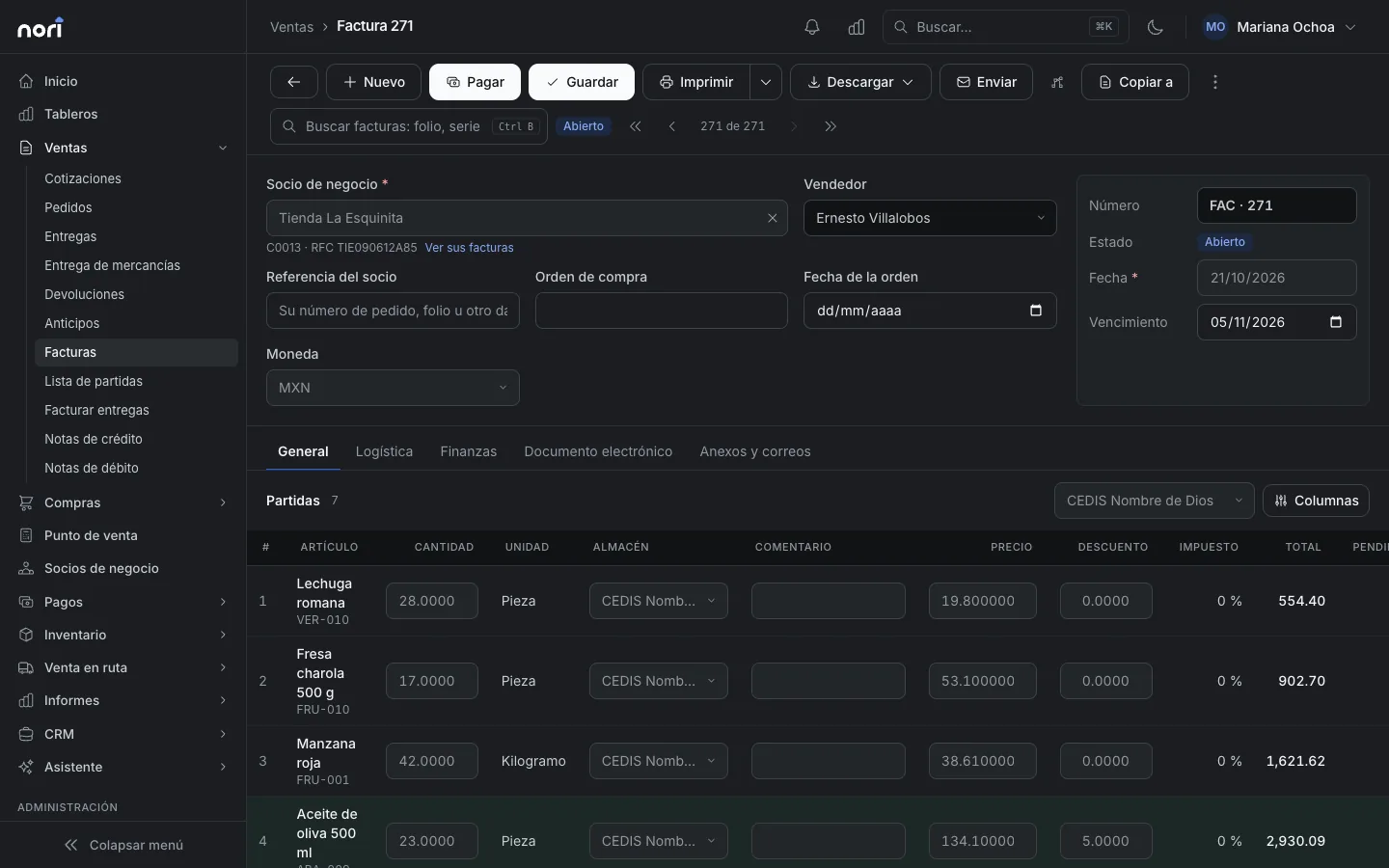
With stamping on, an invoice, credit memo, down payment or payment with a complement goes to NetSuite only once it has its CFDI. It arrives with the UUID in the custom field you picked under Mappings, along with the CFDI use, the payment method and form, and the customer's RFC (tax ID). The localization sees the UUID and doesn't stamp it again.
You can't turn that wait off, and there's a practical reason. If the PAC rejects a document, say because the customer's ZIP code doesn't match their tax certificate, the record stays in Nori with the PAC's message and the sync alert flags it. The payment still stands, because Nori stamps after saving the sale, and a PAC outage never undoes it. You fix the data, retry, and then it goes up.
Tickets don't wait. A walk-in ticket has no CFDI of its own, so it goes up right away as a cash sale with its payment.
The global invoice
At the end of the period, under Sales › Invoice deliveries, you choose the general public mode and the periodicity. Nori builds the CFDI with the global information node and one line per ticket, and marks it paid with method PUE because the tickets already had their payments. A ticket that's already in a global invoice no longer shows as pending.
In NetSuite the global invoice doesn't create another record. The sales are already there as cash sales from the moment they were paid, and adding an invoice on top would count the revenue twice. If someone wants an invoice for a ticket before it goes into the global one, you issue it from the checkout. Details are in Global invoice to the general public.
Credit memos
A credit memo starts with CFDI use G02 (returns, discounts or allowances) even if the customer has a different use on file. If your accountant wants another one, you change it before stamping. In NetSuite it goes up as a credit memo created from the invoice or cash sale it corrects.
Payment complements
Nori sets the payment method for you: PUE if the invoice was paid when issued, PPD if not. When a route rep collects on a stamped PPD invoice, or collections records the payment in the office, Nori generates the payment complement 2.0 with the installment number, the previous balance and the remaining balance. The payment goes up as a customer payment with the complement's UUID, and only after its invoice is already in NetSuite.
If you sell on credit out on the road, check the setting that limits cash customers to PUE terms. It's on by default and keeps a customer with no credit days from ending up with a PPD invoice nobody plans to collect.
Cancellations
Nori cancels with the SAT first, with its reason code, and only changes the document if the SAT accepts. To cancel, it sends the UUID, the RFCs and the total exactly as they are in the stamped XML. If a recalculation moved a cent on the document, the cancellation isn't rejected over it. Once canceled, the record is deleted in NetSuite. An invoice with active payments can't be canceled until you cancel the payment.
The NetSuite connection
Nori's NetSuite connector is in testing with live accounts. We review it against your account in a demo before connecting anything, and you can try it in your sandbox first.
Nori talks to NetSuite through its REST web services. The preferred authentication is machine-to-machine OAuth 2.0 with client credentials: you upload a certificate in NetSuite for the integration record, Nori signs with the private key that stays with you, and gets back a token that lasts an hour. If you already use token-based authentication, that works too. The full setup is in Connect Nori to your ERP, and the NetSuite page sums up what goes up and what comes down.
When the localization is enough
If you sell almost everything on credit, by order, and invoice from the office, stick with what your NetSuite account already stamps and don't add another system just for the CFDI. If you have a busy counter, reps who invoice on the road or tickets that go into a global invoice, the system where the sale happens should do the stamping.
Either way, ask two sets of questions before you decide. Your partner: which documents your localization covers, and how it handles a record that arrives already stamped. Your checkout vendor: which PAC it stamps with, who pays for each stamp, and which NetSuite field it writes the UUID to. Nori's prices, including the per-stamp price, are on the pricing page.
Frequently asked questions
Can NetSuite stamp CFDI 4.0?
Yes, with a Mexico localization and a PAC. There are localizations and third-party add-ons; ask your partner which documents yours covers: invoice, credit memo, payment complement, global invoice and cancellation with a reason code.
What happens if NetSuite and the checkout both stamp the same sale?
The customer ends up with two CFDIs. Each document should be stamped by one system only. When Nori stamps, the record goes to NetSuite with the UUID in the field you choose, so the localization knows it's already stamped.
How much does stamping with Nori cost?
With your own PAC (Finkok, EDICOM, Solución Factible or ISI) you pay your PAC for stamps and Nori charges you nothing for them. With Nori's PAC each stamp costs MXN $0.65 plus VAT, and cancellations are free. Stamping is not included in the license.
How does the global invoice show up in NetSuite?
Tickets go up as cash sales when they're paid. The global invoice is stamped in Nori and doesn't create another record in NetSuite, so revenue isn't counted twice.
How does Nori authenticate with NetSuite?
With machine-to-machine OAuth 2.0 (client credentials) and a certificate you upload in NetSuite. You keep the private key. Token-based authentication also works. The connector is in testing with live accounts.