CRM
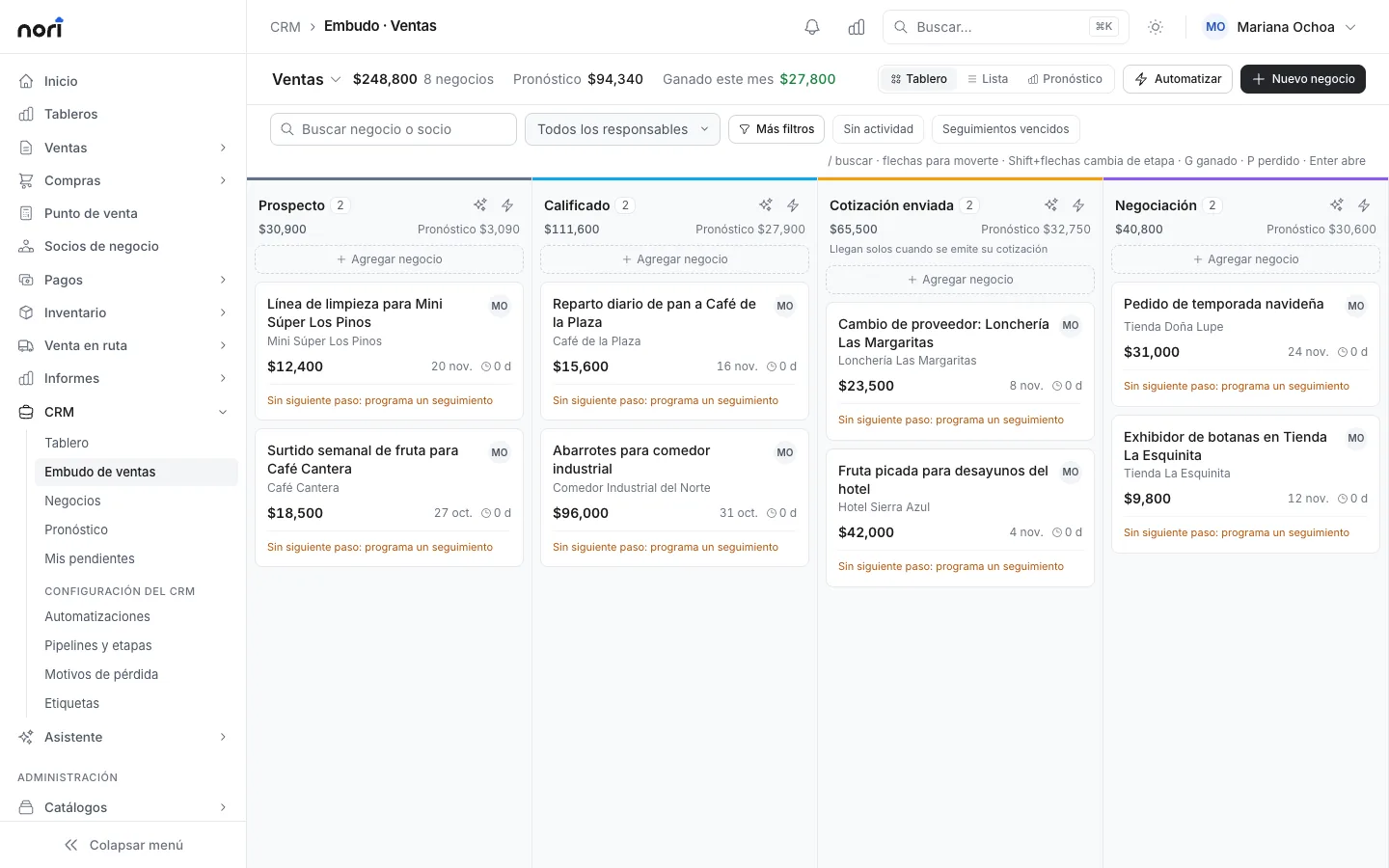
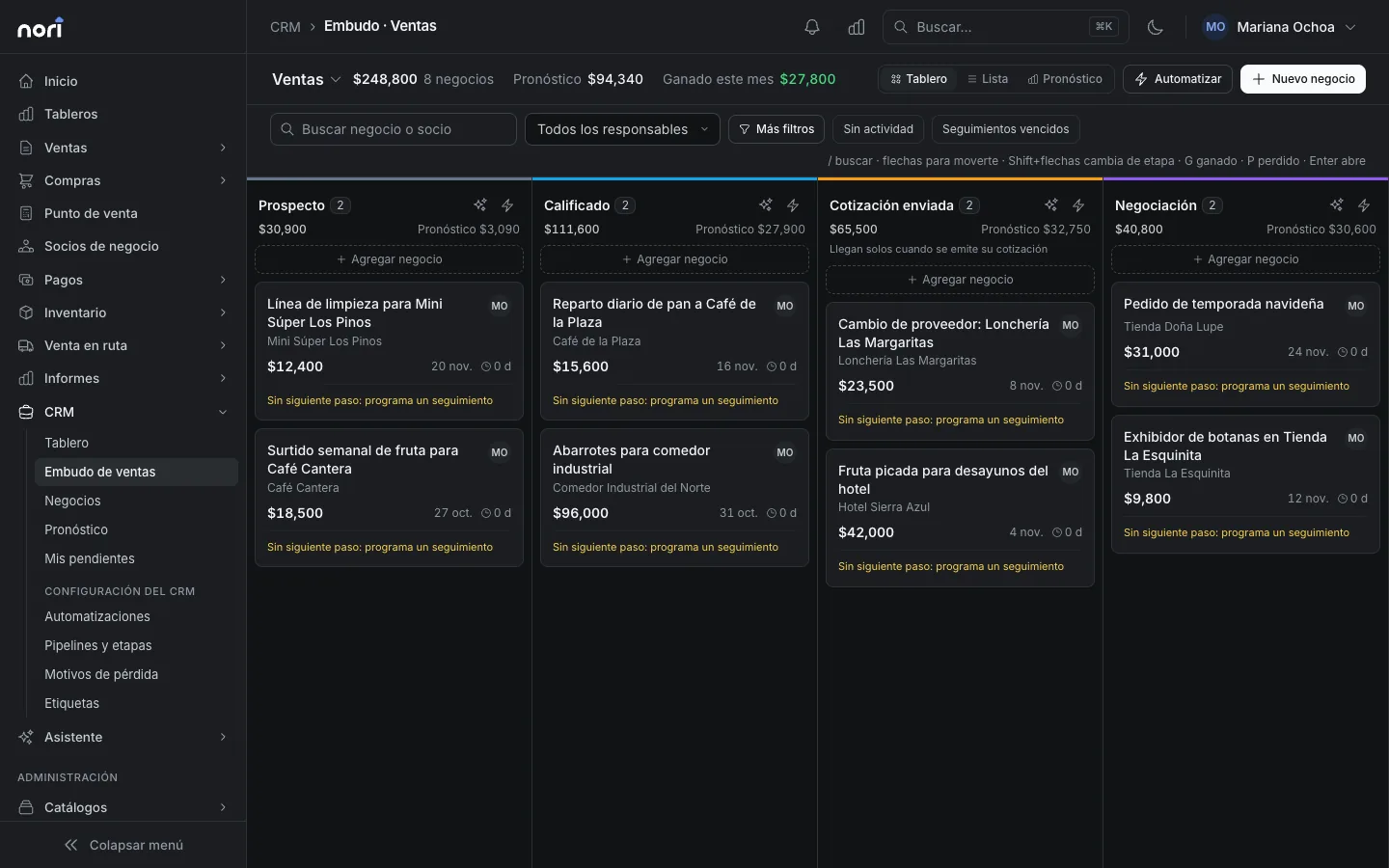
Your deals on a board, each with its next step
Drag each deal from stage to stage and schedule the next follow-up. When the customer says yes, the quote comes from the deal itself.
What's included
-
Pipelines
Several pipelines, each with its stages and a total per stage. Start from a B2B, distribution or projects template.
-
Follow-ups
Schedule the next call or visit with a date, and get the reminder in Nori and by email.
-
Quote from the deal
The deal's products become a quote. The order and invoice that follow stay linked to it.
-
Automations
When a deal changes stage or sits idle, Nori assigns it, tags it, notifies someone or sends an email.
-
CRM dashboard
Conversion funnel, weighted value and a forecast by expected close month.
-
Won or lost
Close the deal with a reason, and reopen it if the customer comes back.
With SAP Business One or NetSuite
The CRM lives in Nori. The quotes, orders and invoices that come out of each deal post to your ERP.
See integrationsLicense
A Sales license sees and moves its own deals. Supervisor sees the whole team's and sets up pipelines and automations.
PricingFrequently asked questions
Does each rep see only their own deals?
Yes, with a Sales license. Supervisor and Administrator see all of them.
Can an automation send WhatsApp messages?
Yes, if you have a WhatsApp channel connected. Without one, the message is logged on the deal.
- More modules
- Sales
- Point of sale
- Route sales
- Inventory
- Purchasing
- Logistics
See the module with your own data
In the demo we walk through your chart, your documents and how to get started.