Sales
From quote to invoice without retyping a thing
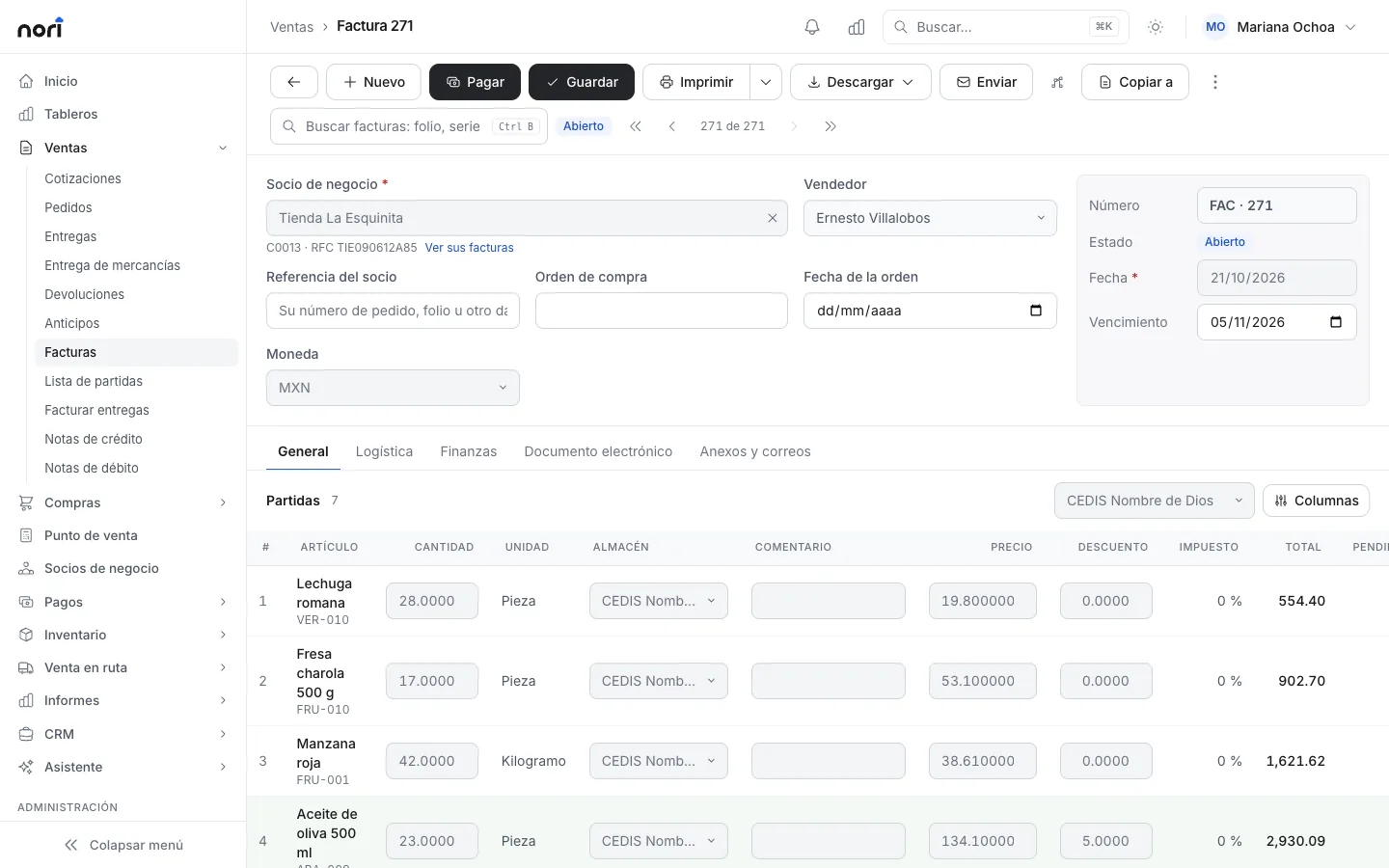
A quote becomes an order, the order becomes a delivery and the delivery becomes an invoice. Every step keeps the customer's price and checks their credit limit.
What's included
-
Copy to
Each document carries over the lines of the one before it.
-
Credit per customer
On save, Nori checks the balance against the limit. Over the limit, it asks for approval.
-
Prices and promotions
Price lists, special prices per customer, volume discounts and promotions with hours.
-
Down payments
Collect up front and apply it to one invoice or several.
-
Reserve invoice
Invoice today and deliver in parts. The goods stay committed until the last delivery.
-
Send to the customer
Email the PDF, or send a link on WhatsApp if you connect Recaudo.
With SAP Business One or NetSuite
Your ERP still owns the catalog. Nori sells with that data and sends every document back.
- Up: every sales document when it's posted, with its payments.
- Down: items and prices, plus customers with their balance and credit limit.
License
A Sales license creates every sales document. A Cashier license handles deliveries and invoices and can view quotes and orders.
PricingFrequently asked questions
Can I invoice several deliveries at once?
Yes. In Invoice deliveries you pick the ones for the period and Nori creates one invoice per customer.
What happens when a customer goes over their credit limit?
Nori holds the sale and sends it for approval. A supervisor approves it on the web or in the app.
Can I invoice before delivering everything?
Yes, with a reserve invoice. You invoice the full amount and deliver in parts.
- More modules
- Point of sale
- Route sales
- Inventory
- Purchasing
- Logistics
- CRM
See the module with your own data
In the demo we walk through your chart, your documents and how to get started.