Logistics
From the warehouse to the customer's door
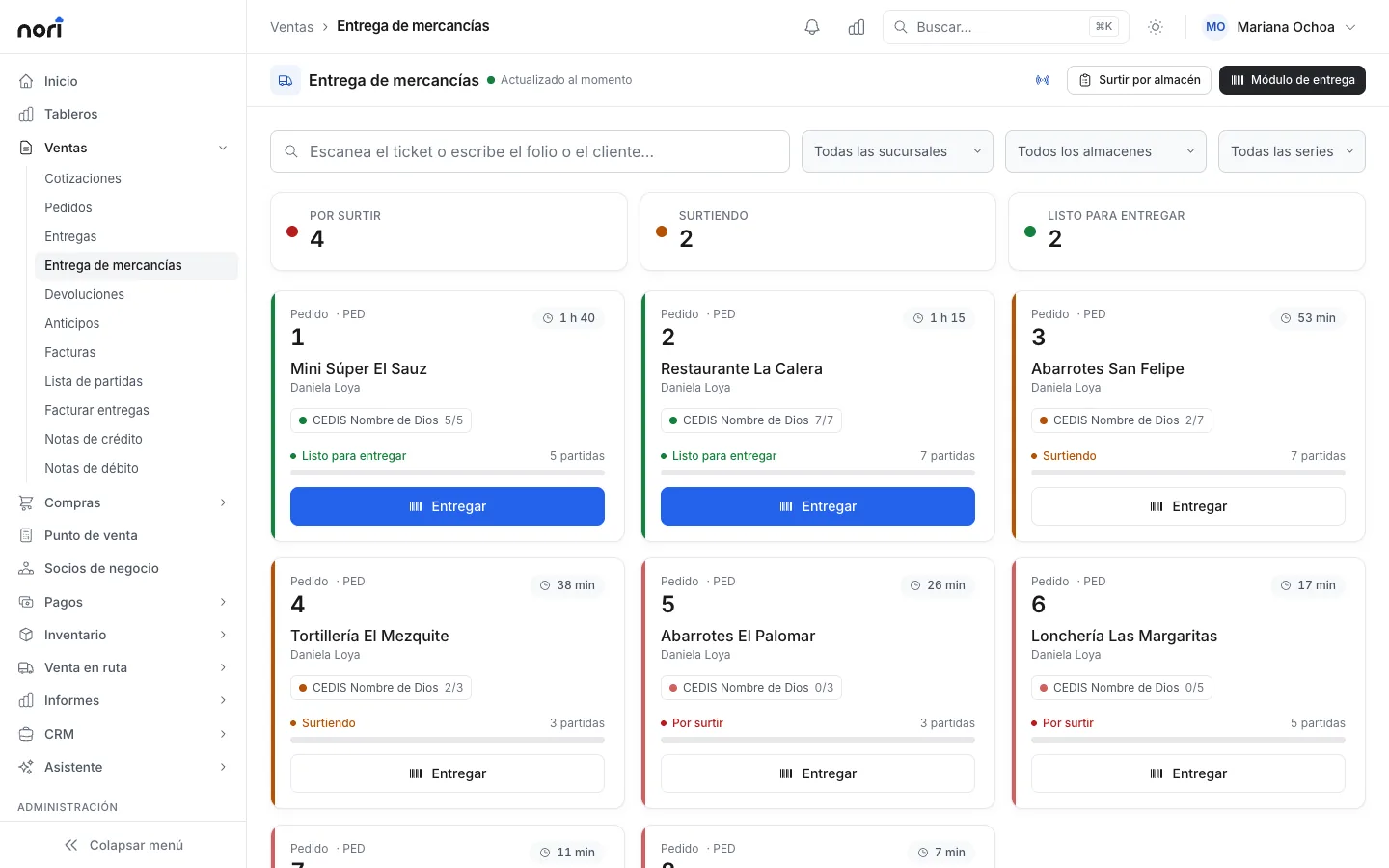
The distribution center sees which orders to pick and how long they've waited. You schedule the shipment and the driver confirms delivery with a photo.
What's included
-
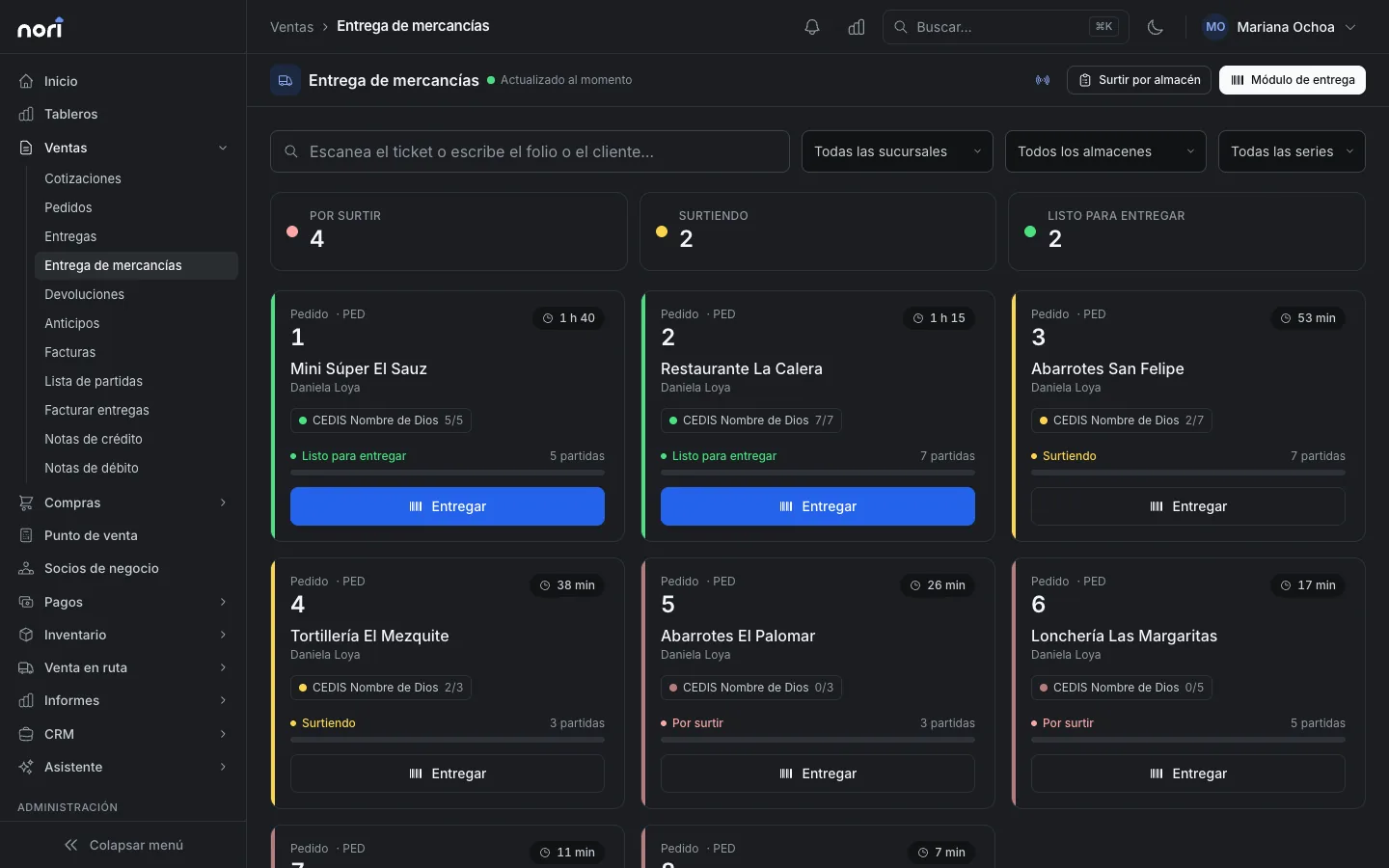
Picking board
Each order moves from to pick to ready for delivery. If it waits too long, the card changes color.
-
Scan to deliver
Scan what goes out, with a scale tolerance. Partial deliveries are fine.
-
Delivery zones
Draw them on the map or define them by ZIP code. Each zone can add its freight charge.
-
Scheduled shipments
Put each shipment on the day's route, or give it a date and a driver.
-
Proof of delivery
The driver records who received it and takes a photo. The phone's location is saved.
-
Cash on delivery
A shipment can go out with payment due on delivery.
With SAP Business One or NetSuite
Zones and shipments stay in Nori. The delivery or invoice posts to your ERP as usual.
See integrationsLicense
With a Logistics license the warehouse picks and schedules shipments, and the driver confirms delivery in the app. At the counter, a Cashier hands over what was paid.
PricingFrequently asked questions
How does the driver confirm delivery?
In My route or the app: who received it, a photo and the phone's location. When a shipment isn't on a route, logistics staff confirm it from the board.
What if the address is outside every zone?
Nori warns you but doesn't block the sale. You decide whether to ship.
- More modules
- Sales
- Point of sale
- Route sales
- Inventory
- Purchasing
- CRM
See the module with your own data
In the demo we walk through your chart, your documents and how to get started.