Reports
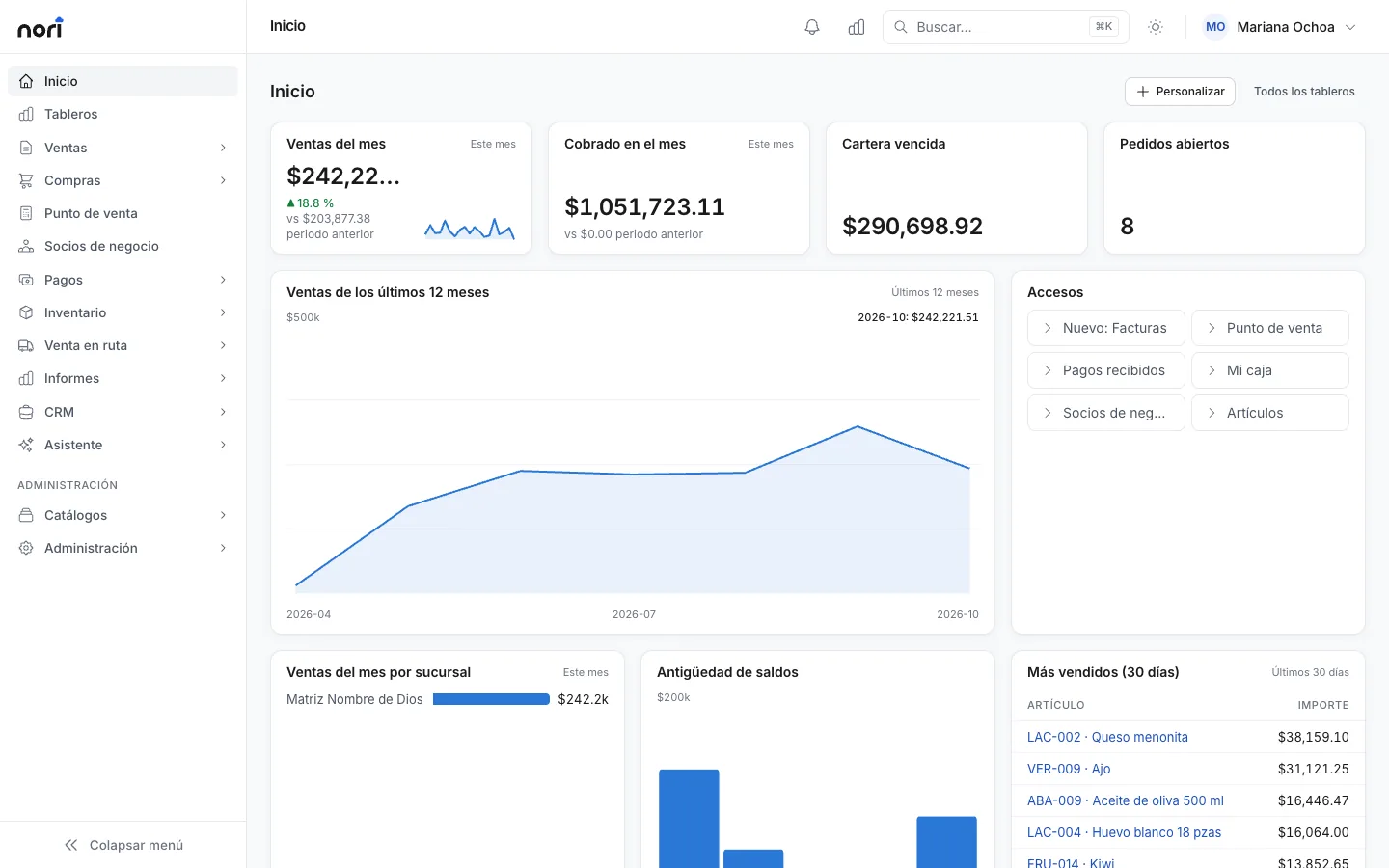
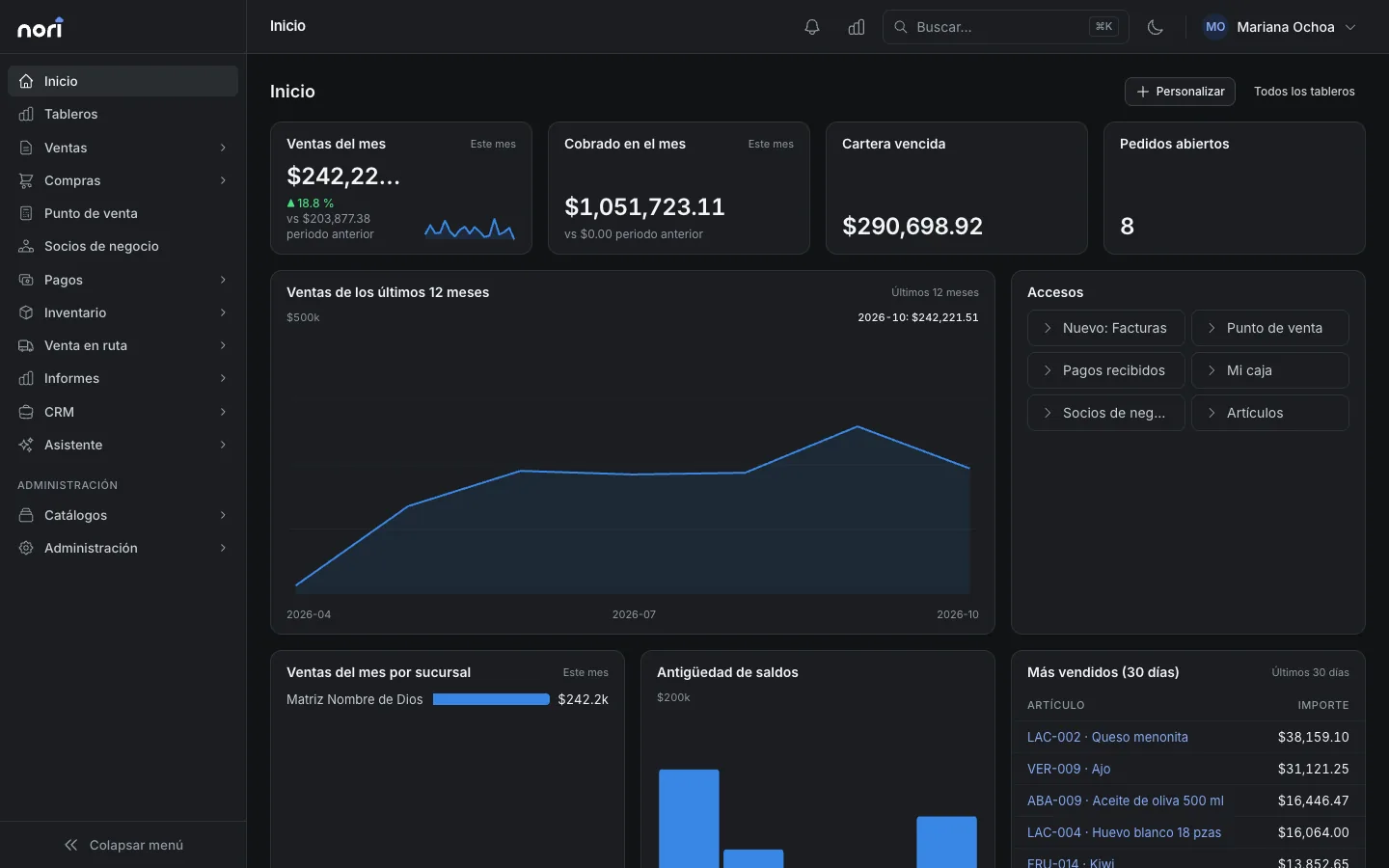
Today's numbers on one dashboard
Everyone builds a dashboard with the metrics they care about. For anything more specific, write the report in SQL or ask the assistant.
What's included
-
Dashboards
KPIs with their trend, plus bar and line charts. A dashboard can be yours, a role's or the whole company's.
-
By branch and sales rep
Rank sales by branch, warehouse, rep, customer or item.
-
PDF and Excel
Export any report. In Excel, each data source gets its own sheet.
-
Designer
Build reports and print layouts, and open .repx files from Nori desktop.
-
SQL access
A read-only user for Power BI, Excel or DBeaver, from the IP addresses you allow.
-
AI assistant
Ask about your data and it answers with the asking user's permissions. It also helps you write SQL.
With SAP Business One or NetSuite
Reports read Nori's data: what you sell here plus what comes down from your ERP, like customer balances and stock.
See integrationsLicense
Supervisor sees reports and dashboards, and Sales users build their own dashboards. Designing reports, writing SQL and publishing company dashboards takes an Administrator license.
PricingFrequently asked questions
Can I connect Power BI?
Yes. SQL access gives you a read-only user that connects from the IP addresses you allow.
Is the AI assistant on by default?
No. An administrator turns it on and sets a daily usage limit per company and per user.
Are there ready-made reports?
Yes: sales by period and rep, receivables aging, inventory valuation and best sellers. You can copy and edit them.
- More modules
- Accounting
- Banking
- E-invoicing
- Approvals
See the module with your own data
In the demo we walk through your chart, your documents and how to get started.